
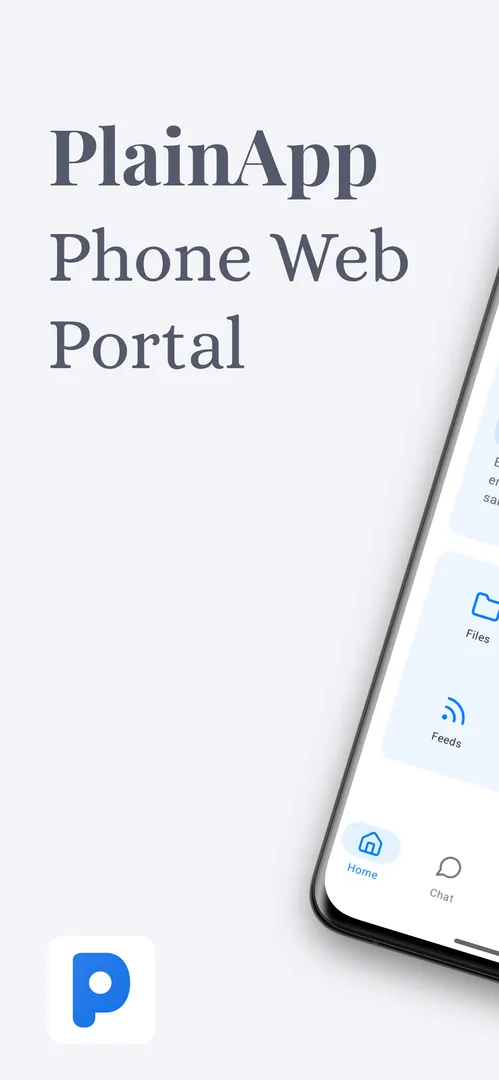
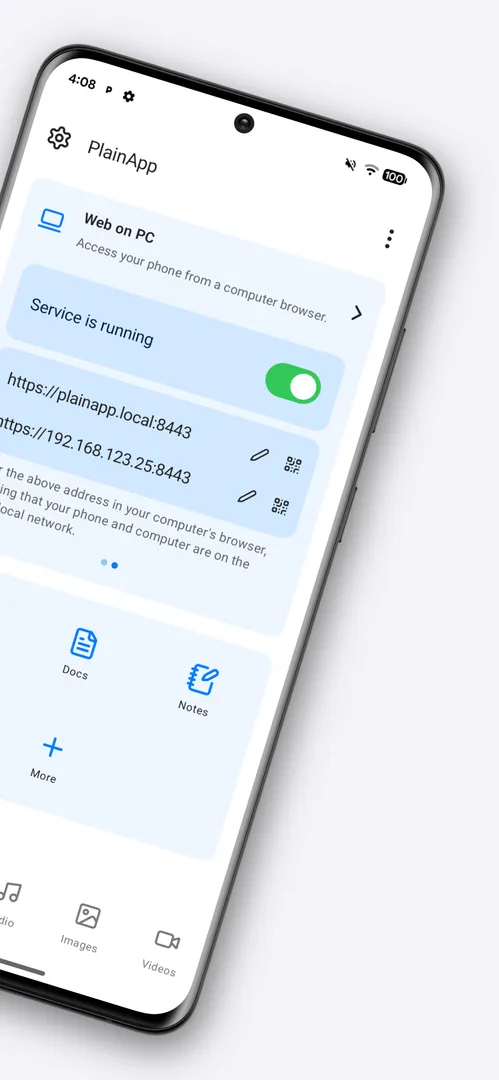
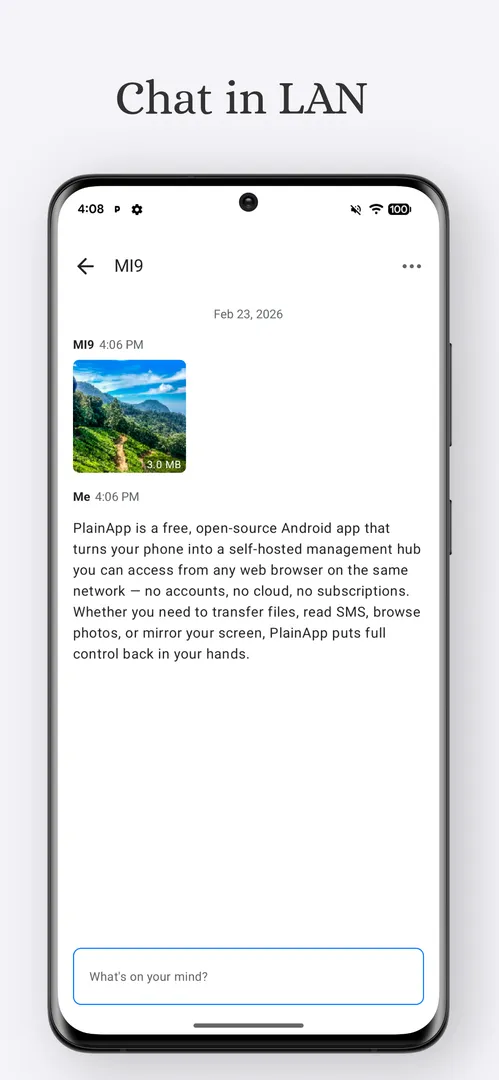
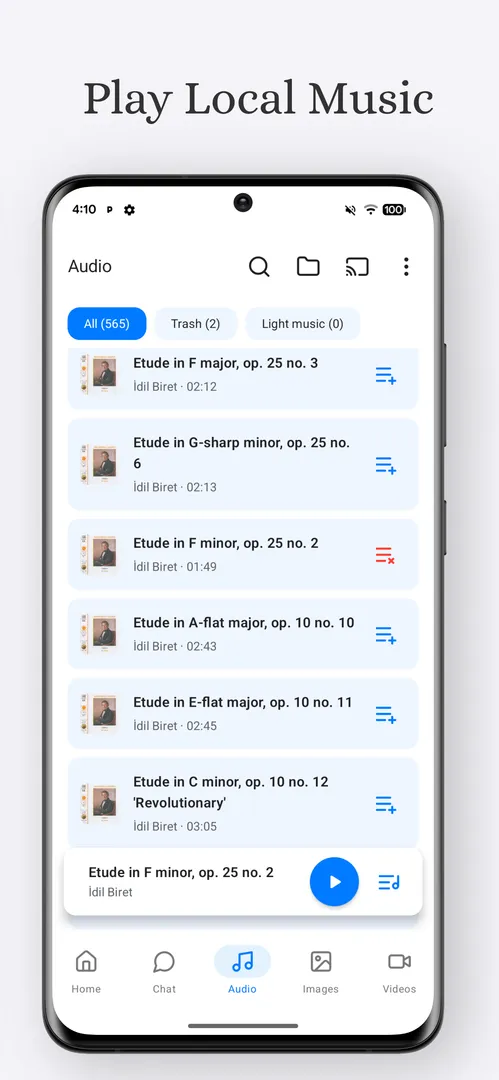
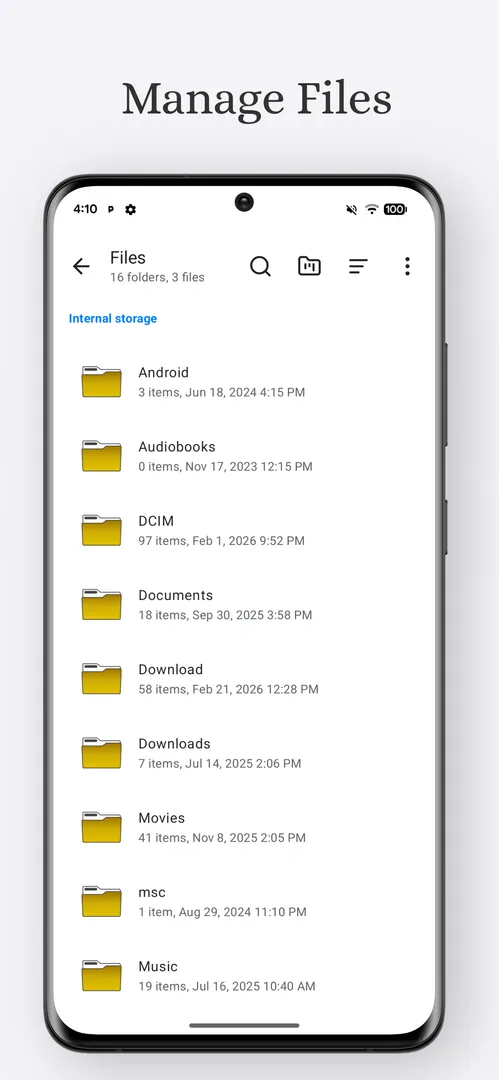
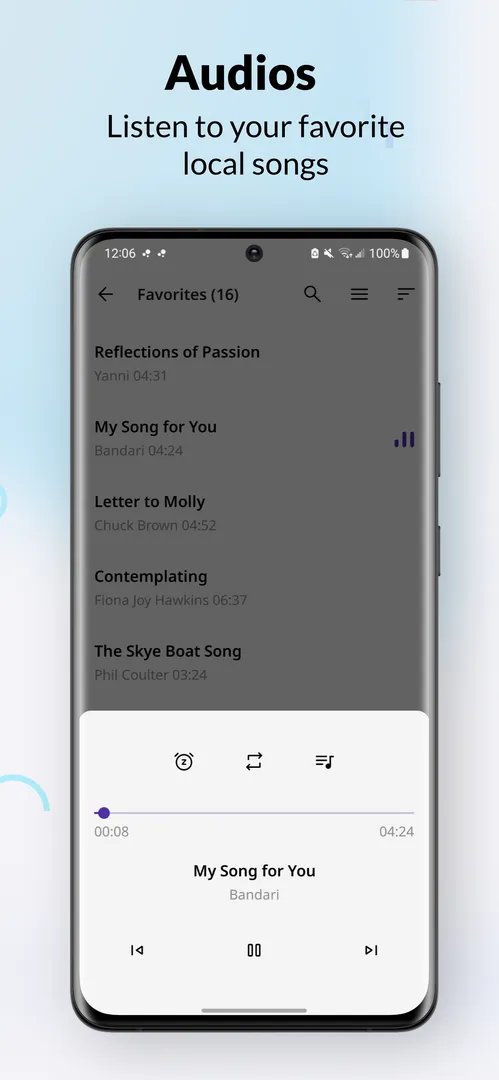
PlainApp is a free, open source Android app that turns your phone into a management hub you open from a web browser on the same network. You start it on the phone, open the address it gives you on a laptop or desktop, and manage files, media, contacts, messages and more from a full-size screen. There are no accounts, no cloud and no subscriptions.
On top of the browser portal, PlainApp is also a standalone toolbox. It includes a markdown notes editor, an RSS reader, a video and audio player, casting to TVs, peer-to-peer chat and file sharing, a Pomodoro timer and a sound meter.
This page explains how PlainApp works, what it can do, why it asks for so many permissions, how to install it, and who it suits. Everything is based on the developer's description and the published build details.
What is PlainApp?
PlainApp is a self-hosted phone manager. Many phone management tools route your data through their own servers or lock features behind payments. PlainApp keeps everything local: the developer states that your data never leaves your network and that no data is sent to any third-party server.
The setup is simple. The phone runs a small web service, and any device connected to the same Wi-Fi network can open it in a browser. Nothing has to be installed on the computer. Connections between the phone and the browser are encrypted with TLS plus XChaCha20-Poly1305, according to the description.
The app is developed by SmartCoding and released under the AGPL-3.0-only license. The code is on GitHub, and the official website has more about the project. The developer describes it as free and ad-free, with no purchases or upsells.
Key features of PlainApp
- Files from the browser: Browse internal storage, the SD card and USB drives from a computer. You can upload, download, rename and delete files, which makes moving photos or documents between phone and laptop much easier than using a cable and a file manager.
- Media management and streaming: View and manage photos, videos and audio on the phone from the browser, and stream them directly in the browser window. This lets you watch a video stored on the phone on a bigger screen without copying it first.
- Contacts, SMS and calls: View, search and manage contacts from the browser. You can read text messages and call logs, and send SMS from your desktop keyboard, which is handy when you need to type a longer message.
- Apps and device info: List installed apps and export their APK files. A device information view shows battery, storage, network and system details, so you can check the phone's state without picking it up.
- Notification mirroring: Phone notifications are mirrored to the browser in real time. While you work on the computer, you can see what arrives on the phone without switching devices.
- Screen mirror with remote control: Live-stream the phone screen to the browser with audio, and control the phone remotely. This is the feature to use when you want to operate an app on the phone from your desk.
- Built-in notes and RSS reader: On the phone itself, a markdown notes editor lets you write and organize notes, and an RSS reader follows your favorite websites in a distraction-free view. Both work without any external service.
- Video and audio player with TV cast: A full-featured media player with playlist support plays your local files. You can also cast media to any DLNA or Chromecast-compatible TV, which is the part of the app closest to the video players category it is listed under.
- Peer-to-peer chat and file sharing: With PlainApp you can share files and messages directly between devices without a server. This keeps transfers on your own network rather than routing them through a cloud service.
- Pomodoro timer and sound meter: A built-in work timer helps you stay focused in timed sessions, and a sound meter measures ambient noise levels in real time. They are small extras, but they save installing two more apps.
PlainApp permissions explained
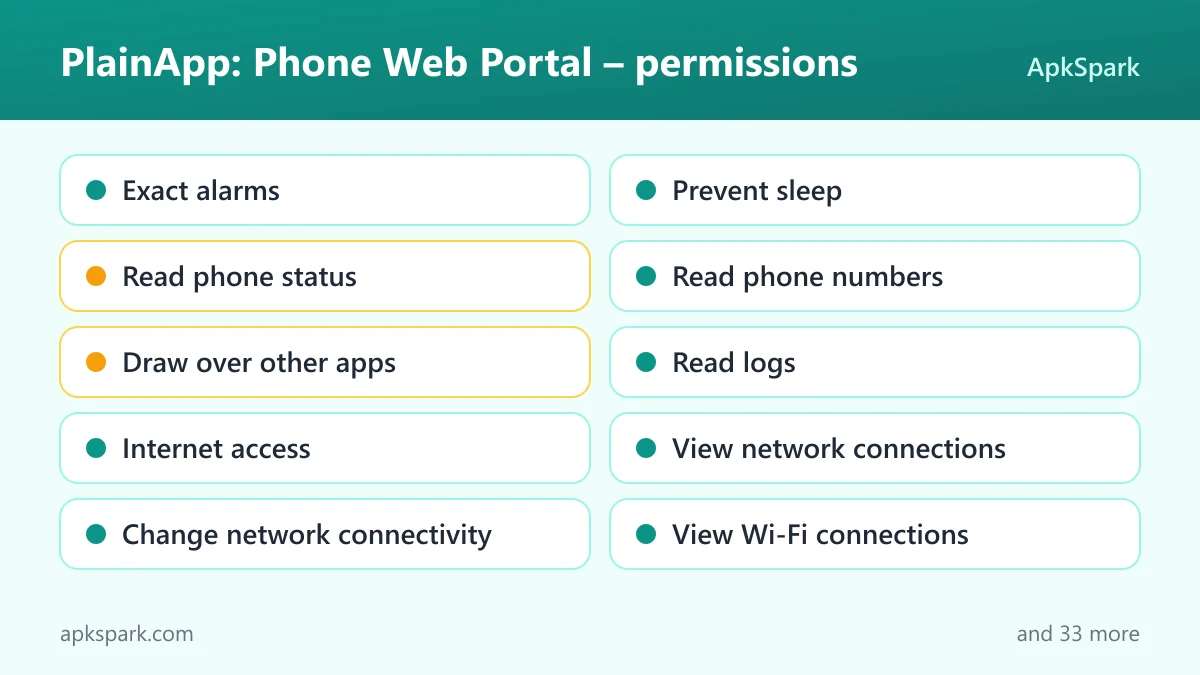
PlainApp declares a very long permission list, because almost every feature reaches a different part of the phone. On modern Android, the sensitive permissions, such as SMS, contacts, location, camera, microphone and file access, are requested at runtime or through a settings screen, and you can decline the ones you do not need. Here is what each permission declared by PlainApp means.
- Exact alarms: Lets the app schedule alarms at an exact time, which fits a timer such as the Pomodoro feature.
- Prevent sleep: Keeps the device awake while a task runs, such as playback or a download.
- Read phone status: Lets the app read phone status, such as whether a call is active.
- Read phone numbers: A technical permission for reading the device's phone numbers. Its specific use is not documented.
- Draw over other apps: Lets the app show windows on top of other apps. The description does not say which feature uses it.
- Read logs: A technical permission for reading system logs. Its use is not documented.
- Internet access: Lets the app open network connections, which the browser portal depends on.
- View network connections: Lets the app check whether the device is online and which type of network is in use.
- Change network connectivity: Lets the app change network connectivity settings.
- View Wi-Fi connections: Lets the app read information about Wi-Fi networks, which fits a portal that works on the same Wi-Fi network.
- Change Wi-Fi state: Lets the app turn Wi-Fi on or off and connect to networks.
- Change wifi multicast state: A technical permission for receiving multicast traffic on Wi-Fi, commonly needed to discover devices on the local network.
- Multicast: A related technical permission for multicast networking on the local network.
- Microphone: Lets the app record audio. The sound meter measures ambient noise, which needs microphone input.
- Read SMS: Lets the app read text messages, used by the SMS feature in the browser.
- Send SMS: Lets the app send text messages, used when you send SMS from your desktop.
- Read contacts: Lets the app read your contacts, used to view and search them in the browser.
- Modify contacts: Lets the app add or change contacts, used to manage them from the browser.
- Read call log: Lets the app read the call history shown in the browser.
- Modify call log: Lets the app change the call history.
- Make phone calls: Lets the app place phone calls directly. The description mentions call logs but not placing calls, so the exact use is not documented.
- Uninstall apps: Lets the app ask to remove app packages. Android still shows its own confirmation.
- See installed apps: Lets the app list installed apps, which the apps view and APK export rely on.
- All files access: Lets the app manage all files on the device storage, which the browser file manager needs to cover internal storage, SD cards and USB drives.
- Write storage: Lets the app save and modify files in shared storage, for example when you upload a file from the browser.
- Ignore battery optimizations: Lets the app ask to be excluded from battery optimization, so the portal is not stopped while you use it.
- Run in the foreground: Lets the app keep a visible notification while it works in the background.
- Background playback service: Lets the app continue playing media from a foreground service, which fits the media player.
- Foreground service media projection: Declares a foreground service for capturing the screen, which fits the screen mirror feature.
- Special foreground service: Lets the app run a foreground service for a special purpose.
- Bluetooth: Lets the app connect to paired Bluetooth devices.
- Bluetooth settings: Lets the app discover and pair Bluetooth devices.
- Connect to Bluetooth devices: Lets the app connect to paired Bluetooth devices on newer Android versions.
- Advertise to Bluetooth devices: Lets the app make the device visible to nearby Bluetooth devices.
- Find Bluetooth devices: Lets the app scan for nearby Bluetooth devices. The description does not say which feature uses Bluetooth.
- Camera: Lets the app take photos and record video. Its specific use is not documented.
- Precise location: Lets the app read the device's precise GPS location. The description does not say why.
- Approximate location: Lets the app read the device's approximate location. Its use is not documented.
- Nearby Wi-Fi devices: Lets the app find and connect to nearby Wi-Fi devices, which fits local peer-to-peer features.
- Show notifications: Lets the app show notifications. On Android 13 and newer, you are asked first.
- Install apps: Lets the app ask to install app packages, for example its own updates. Android shows a confirmation each time.
- Background sync service: Lets the app sync or transfer data from a foreground service.
- Run at startup: Lets the app start itself after the device boots.
- Read storage: Lets the app read files in shared storage, used for browsing and streaming media.
You do not have to grant everything. If you never send SMS from the browser, deny the SMS permissions and the rest of PlainApp keeps working.
How to download and install PlainApp APK
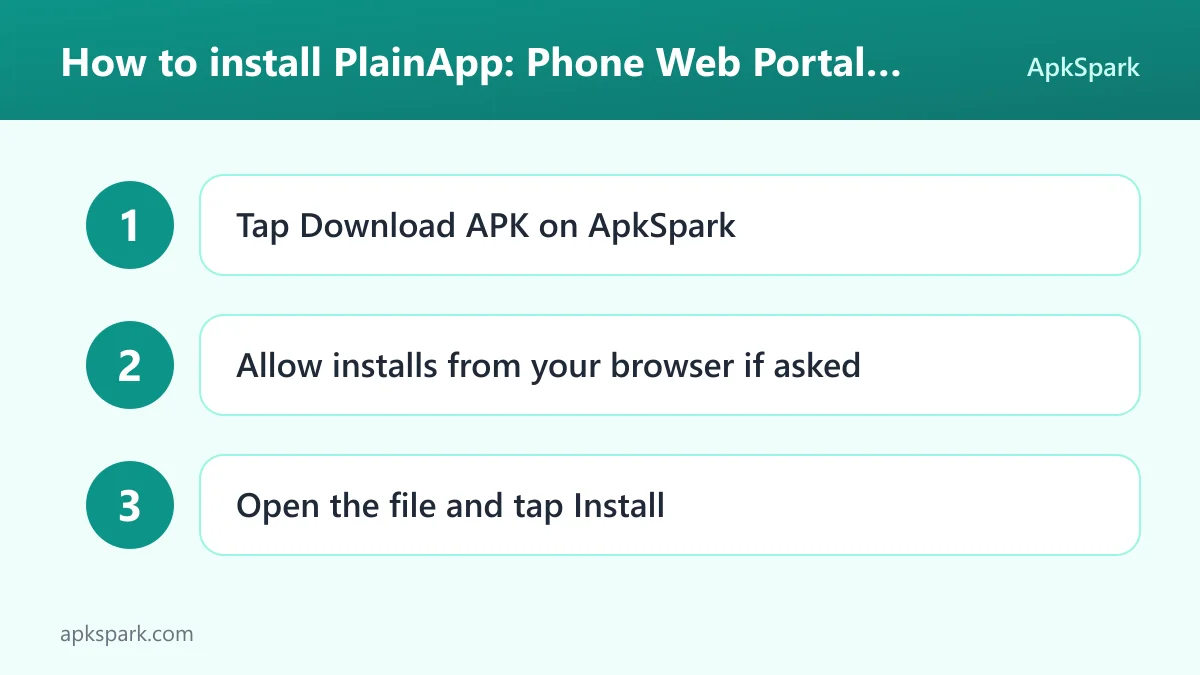
- Tap the Download button on this page.
- When Android asks, allow installs from your browser.
- Open the downloaded APK file.
- Tap Install.
- Open the app.
If Android blocks the file or this is your first sideloaded app, our guide to installing APK files explains each prompt and the setting that controls it. Once PlainApp is open, start the web portal, then open the address it shows in a browser on a computer connected to the same Wi-Fi network.
Using PlainApp from a computer
Here is how a typical session looks, based on the documented features. Your phone and laptop are on the same Wi-Fi network. You open PlainApp on the phone and start the portal. On the laptop, you type the address into any browser. No software is installed on the computer.
From there, the browser becomes a control panel. You might open the files view to drag in a document, check the media view to stream a video you recorded, read a new text message and reply from the keyboard, or glance at the notification feed while you work. If you need to use an app on the phone directly, the screen mirror shows the phone's screen in the browser and lets you control it remotely.
When you are done, close the browser tab. Because the traffic stays on your network and is encrypted, nothing passes through an outside server.
Is PlainApp safe?
PlainApp is open source under the AGPL-3.0-only license. Anyone can audit the code, build their own binary or contribute, as the developer puts it, and problems can be reported on the public issue tracker.
The APK on this page comes from F-Droid. F-Droid builds this APK from the published source code and signs it with the F-Droid key. The file is downloaded from the official f-droid.org repository. You can compare package details on the F-Droid listing for PlainApp.
The F-Droid listing data flags no anti-features for this build. The developer states that the app has no Firebase Analytics or Messaging, that crash reporting is optional and opt-in, and that no account registration is required. The real thing to weigh is the permission list: PlainApp can reach your messages, contacts, call history and files, so only run the portal on networks you trust.
PlainApp system requirements
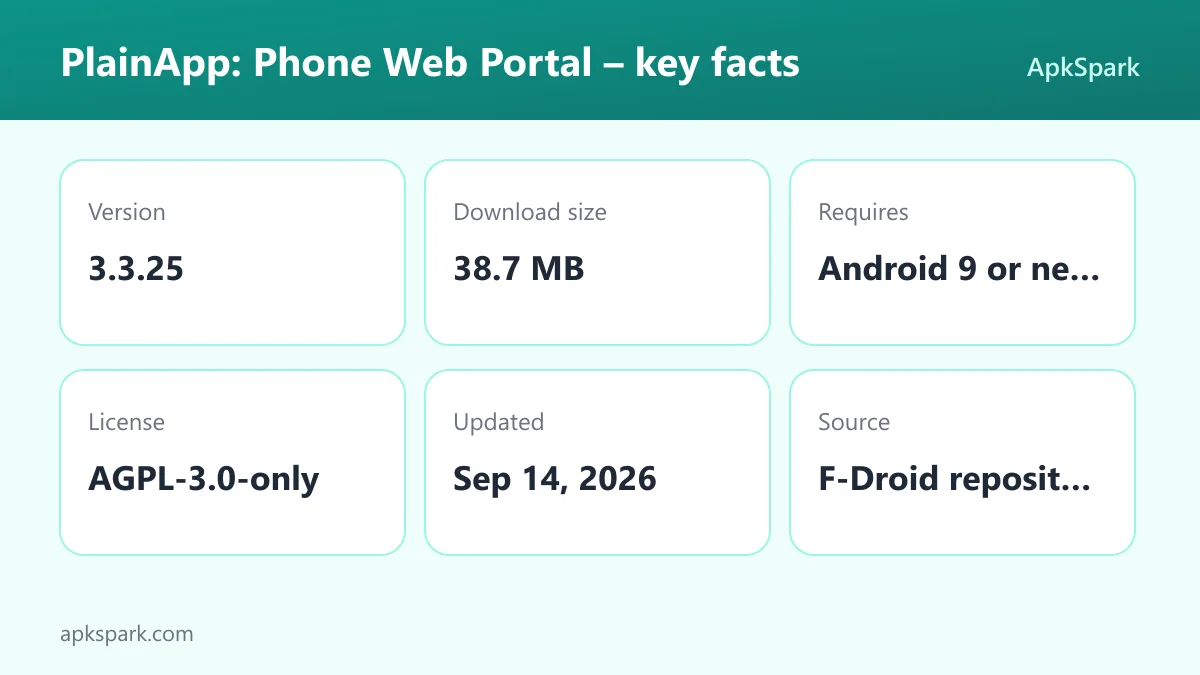
- Minimum Android version: Android 9 or newer.
- Download size: 38.7 MB.
- Supported ABIs: arm64-v8a. This covers most current 64-bit phones and tablets, but this build will not install on 32-bit-only or x86 devices.
- Version: 3.3.25.
- Release date: September 14, 2026.
The computer side only needs a web browser on the same Wi-Fi network. RAM and free storage needs on the phone are not documented.
Who should use PlainApp?
PlainApp suits people who spend much of the day at a computer and keep reaching for their phone. Reading and sending SMS from the keyboard, seeing notifications in a browser tab and moving files without a cable remove a lot of small interruptions.
PlainApp is also a good fit for privacy-minded users who want phone management without a cloud account. Everything runs on the phone and stays on the local network, and the code is open for review. Users who like fewer apps will value the built-in notes, RSS reader, media player and timer.
It is less useful if your phone and computer are rarely on the same Wi-Fi network, because the portal depends on that. If you are uneasy about one app holding access to SMS, contacts and files, grant only the permissions for the features you use.
Tips for getting started with PlainApp
- Grant permissions feature by feature: Allow file access first, then add SMS, contacts or call log access only when you want those views in the browser.
- Bookmark the portal address: Save the address PlainApp shows as a bookmark on your computer so you can return to it quickly.
- Use a trusted network: Run the portal on your home or office Wi-Fi rather than a public network, since it exposes your phone's data to devices on that network.
- Allow the battery exemption: Let the app ignore battery optimization so Android does not stop the portal while you are using it.
- Try casting: Open a video in the PlainApp player and cast it to a DLNA or Chromecast-compatible TV on the same network.
- Leave crash reporting off unless needed: Crash reporting is opt-in. Turn it on only if you want to help the developer fix a problem you hit.
Alternatives to PlainApp
If you mainly want the media side of PlainApp, these apps from the same category are worth a look:
- NewPipe: A lightweight, ad-free video player with background play and downloads.
- VLC for Android: Plays almost any video or audio file, plus network streams.
Neither replaces the PlainApp browser portal, so they make more sense as companions than as substitutes. For more options, browse more Video Players apps.
Final verdict
PlainApp is an open source phone manager that runs entirely on your own network. From any browser you can handle files, media, contacts, SMS, notifications and even the phone screen, and the phone side adds notes, RSS, a media player, casting and a few handy tools.
Install PlainApp if you want that control without accounts, cloud services or subscriptions. Be deliberate with the long permission list and use it on trusted networks. For release notes, see the project releases page.