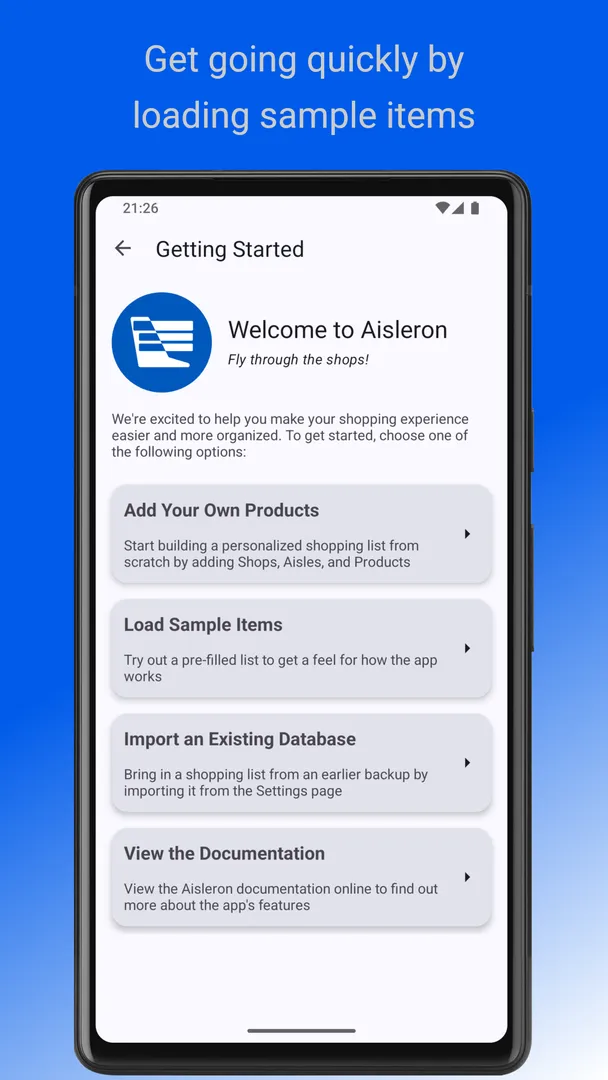
Aisleron Shopping List is a free, open source Android app that organizes your shopping list by shop and by aisle, so the list follows the route you actually walk through a store. Its tagline is "Fly through the shops", and the whole design is aimed at spending less time going back and forth between aisles.
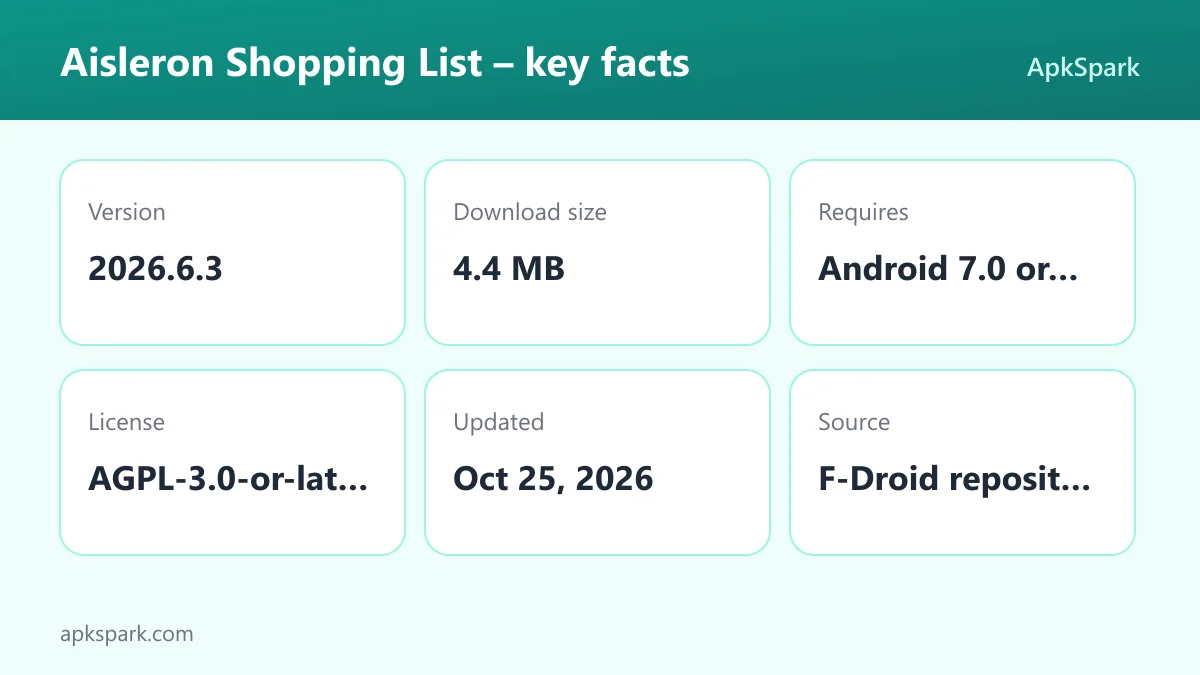
Aisleron Shopping List is published by aisleron.com under the AGPL-3.0-or-later license. The APK on this page is the F-Droid build, compiled from the public source code. Version 2026.6.3 is a 4.4 MB download and needs Android 7.0 or newer.
Below you will find what the app does, each documented feature, what its permissions mean, how to install it, and who it suits best. Everything here is based on the developer's own description and the F-Droid listing.
What is Aisleron Shopping List?
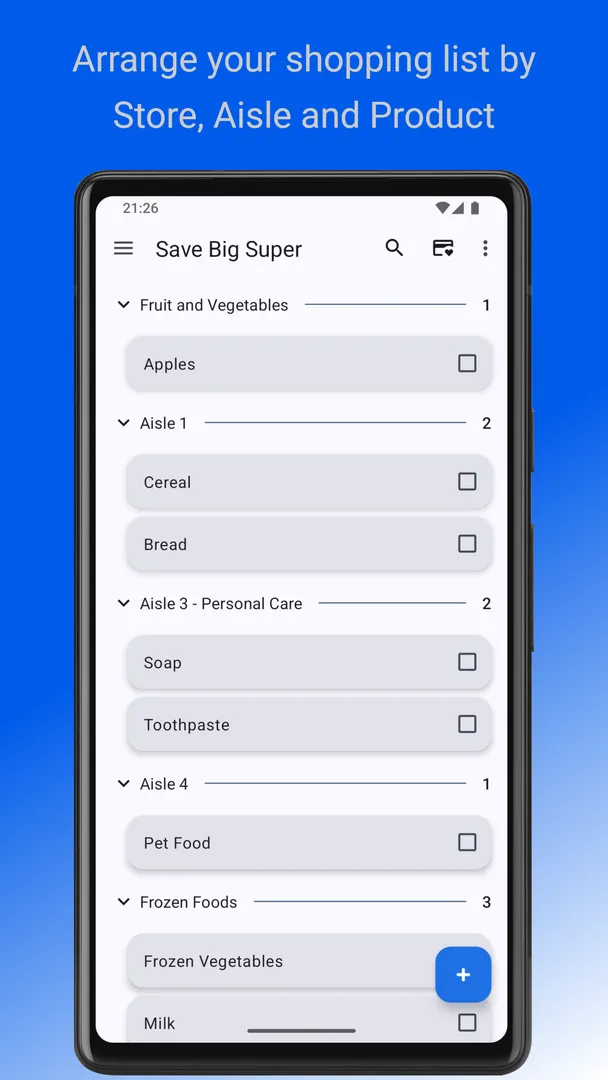
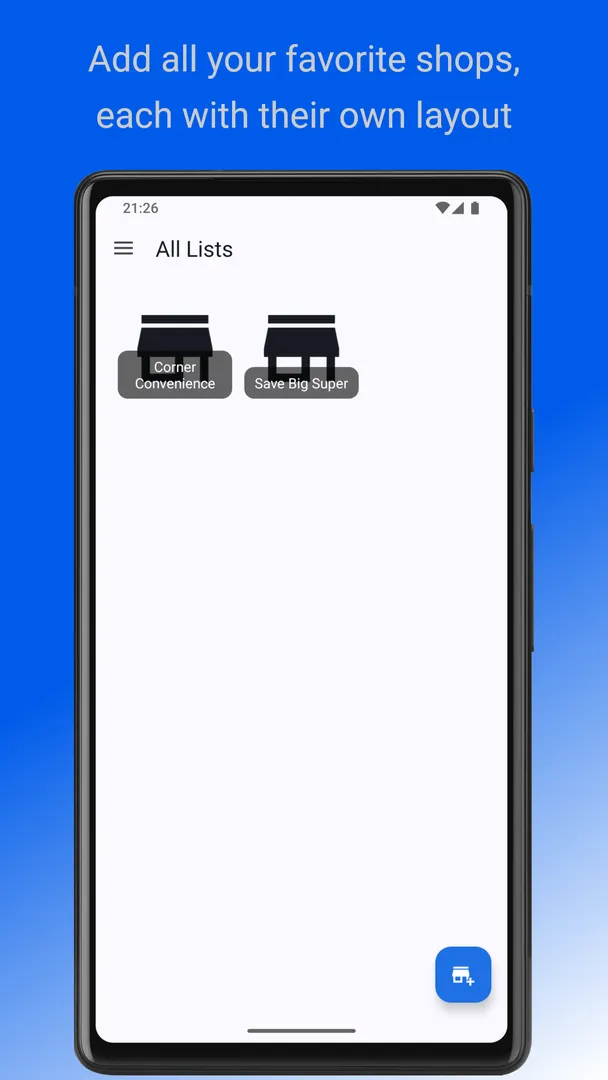
Aisleron Shopping List is a shopping list app built around the layout of the shops you visit. Instead of one flat list of items, you set up your favorite stores, divide each store into aisles, and assign products to those aisles. When you shop, the list is grouped in the order you walk through the store.
The developer describes Aisleron Shopping List as intuitive and easy to use, and pitches it for both a weekly grocery run and shopping for a special occasion. The goal is simple: stay organized, reduce time spent navigating the store, and avoid forgetting items.
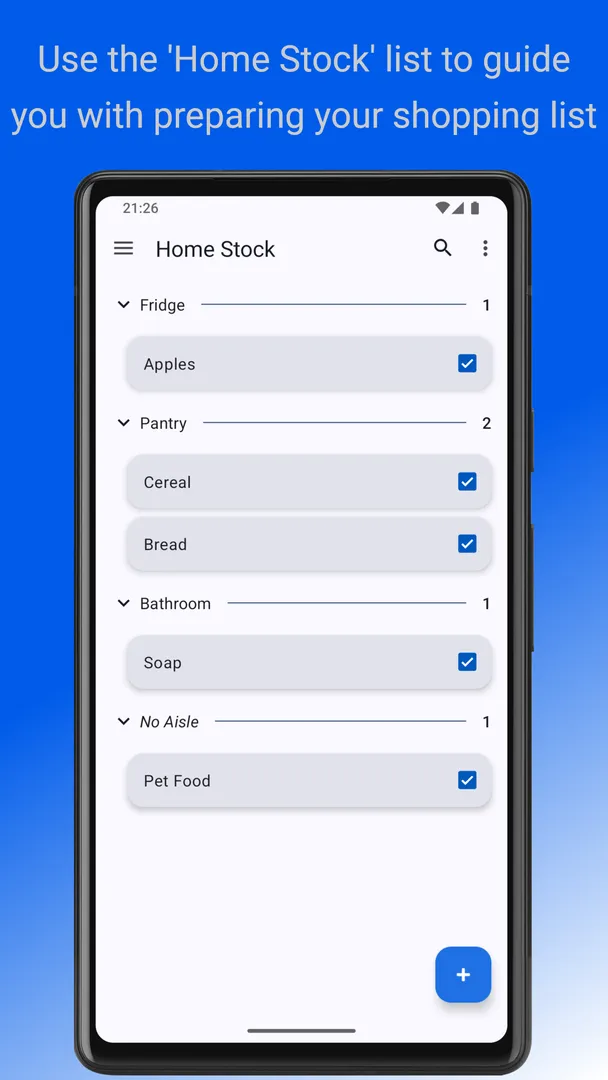
Products are tracked with two states, "Needed" and "In Stock". You swipe an item left or right to switch it between them. That makes the list double as a basic household inventory: you mark what has run out at home, and those items show up as needed when you are in the shop.
In Aisleron Shopping List, products can also be assigned to an area in your home. That means the same item has a place in your house, where you notice it running low, and a place in each store, where you pick it up. The app offers several views so you can look at the list at home, per shop, or across all shops.
Aisleron Shopping List is free and has no ads. The developer also states that it does no location tracking, no telemetry tracking, and no sharing of shopping habits. For people who keep a shopping list on their phone every week, that is a meaningful point.
How a shopping trip works
Before your first trip, you create a shop in Aisleron Shopping List and add its aisles. Then you add products and place each one in an aisle for that shop. You can also put each product in an area of your home, which is where you notice it running out.
At home, you open the home view and swipe items that have run out to "Needed". In the store, you switch to the view for that shop. The needed items now appear grouped by aisle, in the order you set up. As you pick each one up, you swipe it to "In Stock".
If you shop at more than one store, the view across all shops shows everything you still need in one list. That helps you decide which shop to visit or whether one trip will cover it. The lock screen display means you can glance at the list without unlocking between aisles.
Key features of Aisleron Shopping List
- Custom shops and aisles: Add your favorite stores and split each one into aisles that match its local layout. Items are then grouped by aisle, so the list reads in the same order as your walk through the shop instead of jumping between produce, dairy and cleaning supplies at random.
- Smart product management: Add products to your list and assign each one to the right area in your home. Within each store you can rearrange products by aisle to match your shopping route, so the order of the list reflects how you move through that particular shop.
- Swipe-to-track: Swipe an item left or right to mark it as "Needed" or "In Stock". A single gesture updates the list while you shop, and the same gesture at home marks what has run out. There are no extra menus to open for the most common action.
- Show on lock screen: The shopping list can be displayed over the lock screen. You do not need to unlock your phone at the end of each aisle to check what is next, which helps when your hands are full with a basket or a cart.
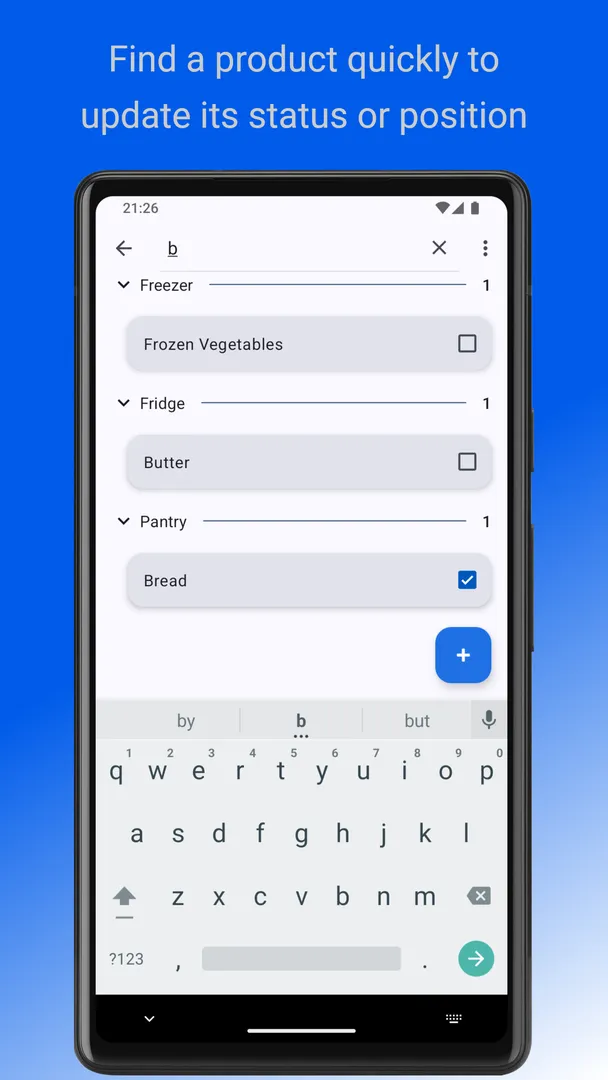
- Easy editing: Long-press any item to edit or delete it. This keeps changes quick when you rename a product, fix a typo, or remove something you no longer buy, without having to dig through separate settings screens.
- Loyalty cards through Catima: Aisleron Shopping List integrates with Catima, a loyalty card wallet, so you can quickly open your store loyalty card from the shop you are in. You keep the cards in Catima and reach them from your list at the checkout.
- Multiple views: View your shopping list at home, per shop, or across all shops. The home view helps you check what you need, the shop view shows what to buy in one store, and the combined view shows everything at once.
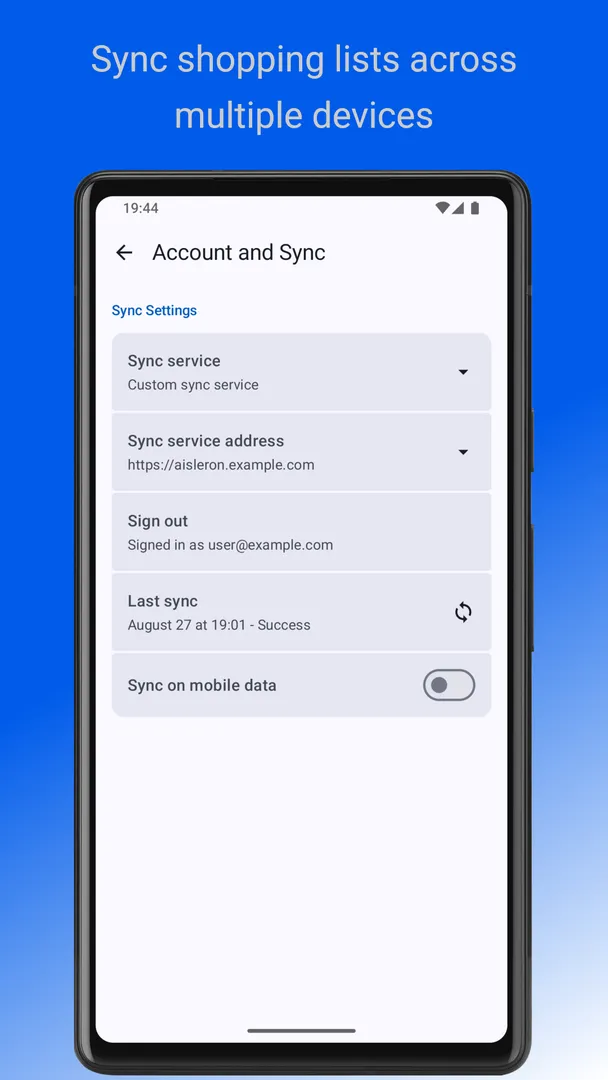
- Multiple devices with self-managed sync: Keep lists up to date across several devices using a self-managed sync service. The sync is something you run and manage yourself, rather than a hosted account operated by the developer, which fits the app's no-tracking approach.
- Light, dark and Pure Black themes: Choose between light and dark themes with dynamic colors, plus Pure Black modes. Pure Black is useful on phones with dark screens, and dynamic colors let the app follow the color scheme of your device.
Aisleron Shopping List permissions explained
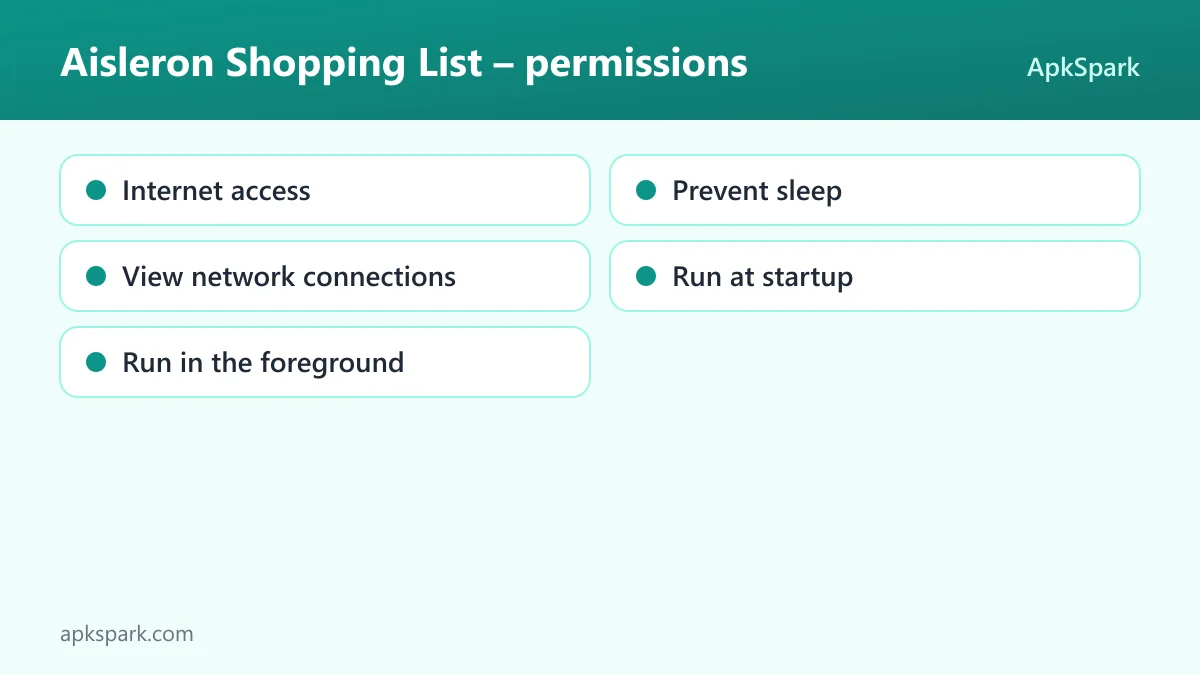
The F-Droid listing shows five permissions. None of them are marked as sensitive, which means Android grants them at install time without a pop-up. On modern Android, sensitive permissions such as location, camera or contacts are asked for at runtime, in a dialog you can accept or deny. Aisleron Shopping List does not request any of those.
- Internet access: Lets the app connect to the internet. The description mentions a self-managed sync service for keeping lists current across multiple devices, which is the documented feature that would need a network connection.
- Prevent sleep: Lets the app keep the device awake while a task runs, such as playback or a download. The description does not say which feature uses it.
- View network connections: Lets the app check whether the device is online and which network type is in use. This typically goes together with network features such as syncing, though the description does not spell that out.
- Run at startup: Lets the app start itself after the device boots. The documented features do not explain which one depends on this.
- Run in the foreground: Lets the app keep a visible notification while it works in the background. Any such background work would show up as a notification you can see, but the description does not name the task.
It is worth noting what Aisleron Shopping List does not ask for. The list contains no location, contacts, camera, microphone or storage permissions. That matches the developer's statement that the app does no location tracking and does not share shopping habits.
How to download and install Aisleron Shopping List APK
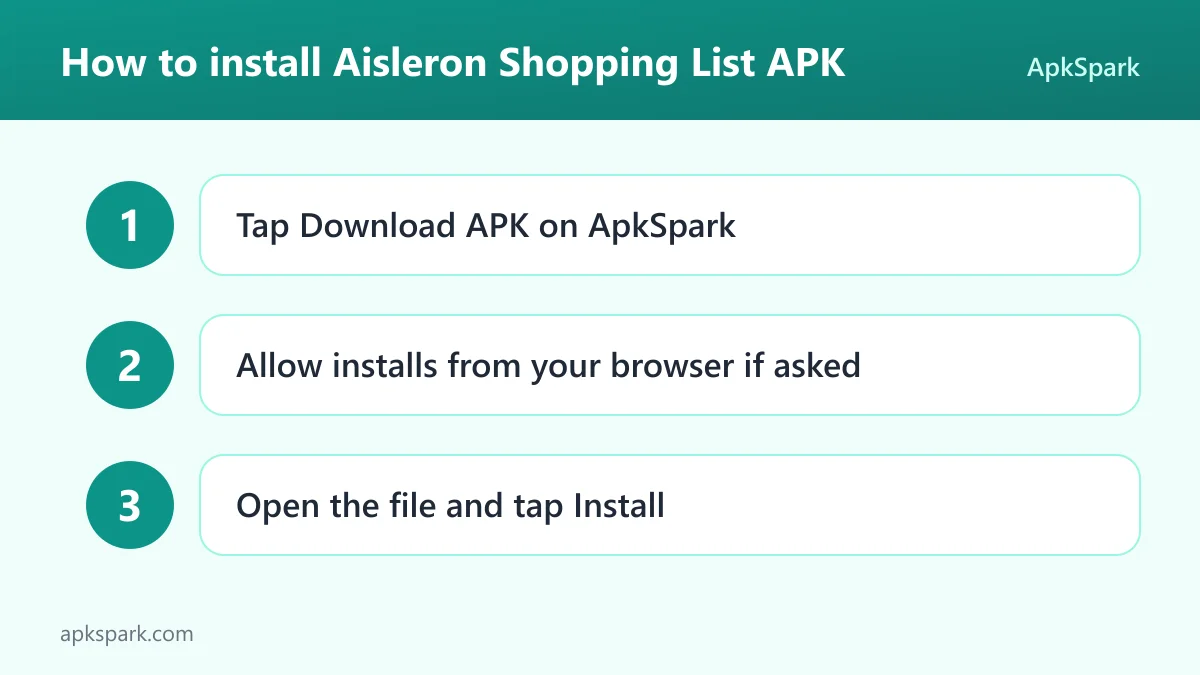
- Tap the Download button on this page to get the APK file.
- If Android asks, allow your browser to install apps from this source. The setting is usually called "Install unknown apps".
- Open the downloaded file from your notifications or your Downloads folder.
- Tap Install and wait for Android to finish.
- Open the app and start adding your first shop.
If this is your first time installing an app from outside an app store, our guide to installing APK files covers the full process. It explains the browser permission prompt, where the downloaded file is saved, and what to try if Android blocks the installation or shows an error.
Is Aisleron Shopping List safe?
Aisleron Shopping List is licensed under AGPL-3.0-or-later, a free software license. The complete source code is public, and anyone can read, modify and share it under the same terms. You can review it in the Aisleron source code repository on GitHub.
The APK on this page comes through F-Droid. F-Droid builds this APK from the published source code and signs it with the F-Droid key. The file is downloaded from the official f-droid.org repository. You can compare the package details on the F-Droid listing for the app.
F-Droid marks apps with "anti-features" when they include things such as advertising, tracking or reliance on non-free services. No anti-features are listed for Aisleron Shopping List. That lines up with the developer's own description: free, no ads, no location tracking, no telemetry tracking and no sharing of shopping habits.
A public build from open code does not mean the software is free of bugs. It does mean what you install can be traced to code anyone can inspect. If you run into a problem, the project has a public issue tracker, and the official website hosts the documentation.
Aisleron Shopping List system requirements
- Minimum Android version: Android 7.0 or newer.
- Download size: 4.4 MB.
- Supported ABIs: arm64-v8a, armeabi-v7a, x86 and x86_64.
- Version: 2026.6.3.
- Release date: October 25, 2026.
At 4.4 MB, the Aisleron Shopping List download is small. The four supported ABIs cover modern 64-bit ARM phones, older 32-bit ARM devices, and x86 hardware such as some tablets and emulators. Requirements for RAM or screen size are not documented. If you plan to use the multi-device sync, you will also need to run the self-managed sync service yourself, and its requirements are not described in the app listing.
Who should use Aisleron Shopping List?
Aisleron Shopping List suits people who shop at the same few stores regularly and know their layout. If you already walk the same route through your usual supermarket each week, setting up its aisles once lets the list follow that route every time. The benefit grows with each trip, because the setup is reused.
Aisleron Shopping List also fits households that want a list tied to what is at home. The "Needed" and "In Stock" states, together with home areas and a home view, let you mark items as they run out and then see them grouped by aisle in the shop. People who keep loyalty cards in Catima get the added convenience of opening the right card from the list.
Privacy-minded users are a natural audience too. Aisleron Shopping List has no ads, no location tracking and no telemetry, and the code is public under AGPL-3.0-or-later. Syncing across devices relies on a service you manage yourself. If you want a ready-made hosted account that syncs with no setup, note that the description does not document one.
Tips for getting started with Aisleron Shopping List
- Set up your main store first: Add the shop you visit most and create its aisles in the order you walk them. Getting one store right shows you how the list behaves before you add others.
- Sort products to match your route: After adding products, rearrange them by aisle within the store so the list mirrors your path. A few minutes of sorting at the start saves backtracking on every trip.
- Use swipes at home, not only in the shop: When something runs out, swipe it to "Needed" right away. By the time you go shopping, the list already reflects what is missing.
- Enable the lock screen display: Turn on showing the list over the lock screen so you can check the next aisle without unlocking. It is most useful when you are holding a basket.
- Connect Catima for loyalty cards: If you use Catima, link it so your store card is one tap away at the checkout.
- Add a second shop once the first works: When your main store is set up, add another shop in Aisleron Shopping List and give it its own aisle order. The same products can then appear in the right place in each store, and the view across all shops shows what is still needed anywhere.
- Pick a theme for your screen: Try the dark theme or Pure Black mode for shopping in the evening, or keep the light theme with dynamic colors to match the rest of your phone.
What Aisleron Shopping List does not document
The description is focused, and some things you might expect from a shopping list app are not mentioned. Knowing the gaps helps you set expectations before installing.
- Prices and budgets: The description does not mention tracking prices, totals or spending, even though ApkSpark files the app in its Finance category. Treat it as a list organizer rather than a budgeting tool.
- Hosted sync: Multi-device sync relies on a self-managed sync service. A ready-made cloud account run by the developer is not documented, so plan to set up and maintain the service yourself if you want to share lists.
- Store layout data: Shops and aisles are created by you. The app does not describe any built-in store maps, which fits its no-location-tracking stance but means the first setup is manual.
For release notes, the developer keeps a version history on the official site.
Alternatives to Aisleron Shopping List
No related apps are listed for this one at the moment. To compare it with other tools, you can browse more Finance apps on ApkSpark, the category where Aisleron Shopping List is filed. Each listing there shows the license, permissions and build source, so you can judge them on the same terms.
When you compare shopping list apps, check how each one handles store layouts, whether it shows ads or tracks you, and how syncing works. Those are the areas where Aisleron Shopping List takes a clear position: aisle-based lists, no ads or tracking, and sync you run yourself.
Final verdict
Aisleron Shopping List takes a practical approach to a common chore. Shops and aisles that match real store layouts, swipe-to-track states, a lock screen view and Catima loyalty card integration all aim at one thing: moving through the store faster without forgetting anything.
Aisleron Shopping List is free, has no ads, does no tracking, and requests no sensitive permissions. The F-Droid build comes from public AGPL-3.0-or-later code, and the project keeps a public issue tracker for bug reports. Because the code is open, the behavior of Aisleron Shopping List can be checked by anyone rather than taken on trust. The main thing to weigh is sync, which depends on a service you manage yourself. If you want a private, aisle-ordered shopping list, it is a strong choice at 4.4 MB.