


Komi Store is an open app store for Android that pulls its catalog from release pages on GitHub, Codeberg, Forgejo and Gitea instead of from a curated store backend. You browse repositories that actually ship installers, tap an APK, and the app downloads and installs it, then watches for newer releases.
The idea is simple: many useful Android apps are published only as release files on a code forge. Checking those pages by hand is slow, and it is easy to grab the wrong file. Komi Store turns those release pages into a browsable list, with feeds, search and update notifications.
This page covers what the app does, every permission it requests, how to install the APK, what the F-Droid build means for trust, the system requirements and some practical tips for the first week of use.


What is Komi Store?
Komi Store describes itself as an open "app store" for releases published on GitHub, Codeberg, Forgejo and Gitea. It does not host apps itself. It reads the releases that developers publish on those forges and shows the repositories that include real installer files. The project says this happens with no scraping and no waiting on stores, so a new release becomes visible as soon as the developer publishes it.
The home screen offers several discovery feeds: Trending, Hot Releases and Most Popular, plus topic feeds for Privacy, Media, Productivity, Networking and Dev Tools. Discovery is described as platform-aware, so the feeds are tuned to the device you are using. You can also search across GitHub or any forge host you choose to trust, including self-hosted instances.
Once an app is installed, Komi Store can keep it updated. You can also link apps you already sideloaded or installed from F-Droid to their source repository, so they get update notifications too. Install can go through the normal Android installer or through Shizuku, Dhizuku or root.
The app is developed by rainxchzed, released under the Apache-2.0 license and built with Kotlin Multiplatform and Compose Multiplatform. A desktop version exists for Windows, macOS and Linux, but this page is about the Android APK.
Key features of Komi Store
- Multi-forge support: The app reads releases from GitHub, Codeberg, Forgejo and Gitea. You can also add any self-hosted instance of those forges, which matters if a developer you follow runs their own Gitea or Forgejo server instead of using a public host.
- Smart discovery feeds: Trending, Hot Releases and Most Popular lists sit next to curated topic categories for Privacy, Media, Productivity, Networking and Dev Tools. The feeds are platform-aware, so on a phone Komi Store focuses on repositories that ship installers for your platform.
- Tracked installs: Any app you sideloaded or installed from F-Droid can be linked to its repository. After that, Komi Store sends update notifications when that repository publishes a new release, so apps you installed elsewhere are no longer forgotten.
- Multiple install backends: Besides the default Android installer, the app supports Shizuku for silent installs on Android 11 and newer, Dhizuku, and root through libsu with Magisk, KernelSU or APatch. Silent install means updates do not stop to ask for a confirmation tap each time.
- Pinned asset variants: Many repositories publish several APKs per release, such as universal, arm64 or Play builds. The app fingerprints the exact file you picked, so later updates land on the same flavor every time, even in monorepos that publish many files.
- Per-app update rules: For each app in Komi Store you can skip a release, ignore updates entirely or set an advanced asset regex. The regex option helps when a project names its files in an unusual way and the automatic file matching needs a nudge.
- Flexible GitHub sign-in and tokens: You can sign in with GitHub through web OAuth with a PKCE handoff, a device flow or a Personal Access Token. Per-host tokens are also supported, which gives access to private repositories on any forge you add.
- Mirrors for restricted networks: If GitHub downloads are slow or blocked on your network, Komi Store supports fastly.jsdelivr.net as a mirror and lets you add your own custom mirrors for release downloads.
- In-app README translation: README files can be translated inside the app with Google, Youdao, LibreTranslate, DeepL or Microsoft. You bring your own key and choose the provider, so the translation service is your decision.
- Encrypted settings, themes and languages: Credentials and preferences are encrypted with AES-256-GCM through KSafe, backed by the hardware Keystore on Android. The interface uses Material 3 with Material You colors on Android 12 and newer, offers light, dark and AMOLED themes, and comes in 13 languages.
Komi Store permissions explained
The list below covers every permission the APK declares. On Android 6.0 and newer, sensitive permissions are requested at runtime, and some install-related access is controlled through system settings screens rather than a simple prompt.
- Internet access: Lets the app connect to the internet. Komi Store needs this to read release data from GitHub, Codeberg, Forgejo and Gitea, download APK files, use mirrors and reach the translation provider you configure.
- Show notifications: Lets the app display notifications. This is how update notifications for installed and tracked apps reach you. Android 13 and newer ask for this permission first.
- See installed apps: Lets the app list the apps installed on the device. This is a sensitive permission. It is what makes tracked installs and the "Scan GitHub Apps" feature possible, since the app must see what is already on the phone to link it to a repository.
- Install apps: Lets the app ask to install app packages, including its own updates. This is a sensitive permission and is the core of what an app store does. Android shows a system screen where you allow installs from this source.
- Uninstall apps: Lets the app ask to remove app packages. Android still shows its own confirmation when the default installer is used.
- Run in the foreground: Lets the app keep a visible notification while it works in the background, for example during a download or an update check.
- Background sync service: Lets the app sync or transfer data from a foreground service. This fits background release checks and downloads.
- Run at startup: Lets the app start itself after the device boots, which allows scheduled update checks to resume after a restart.
- Ignore battery optimizations: Lets the app ask to be excluded from battery optimization. Without the exception, aggressive battery savers can delay update checks. You can decline the request.
- Prevent sleep: Lets the app keep the device awake while a task runs, such as a large APK download.
- View network connections: Lets the app check whether the device is online and which network type is in use.

How to download and install Komi Store APK
- Tap the Download button on this page to get the APK file.
- When Android asks, allow installs from your browser for this download.
- Open the downloaded file from your notifications or your Downloads folder.
- Tap Install and wait for Android to finish.
- Open the app and pick the feeds or forges you want to start with.
If your phone blocks the file or you have not sideloaded an app before, read our guide to installing APK files. It covers the settings screens on different Android versions and what to do when an install fails.
Is Komi Store safe?
Komi Store is open source under the Apache-2.0 license. The full code is public in the Komi Store source code repository, so anyone can read how it handles downloads, tokens and installs.
The APK offered here comes from F-Droid. F-Droid builds this APK from the published source code and signs it with the F-Droid key, and the file is downloaded from the official f-droid.org repository. You can compare details on the F-Droid listing for the app. Because F-Droid signs the build, updates must also come from F-Droid builds. A build signed by the developer will not install over it without uninstalling first.
F-Droid flags the app with one anti-feature: NonFreeNet, meaning it relies on a non-free network service. In practice the app is a front end for code forges, and GitHub in particular is a proprietary service. Codeberg, Forgejo and Gitea hosts exist as alternatives, and the optional translation providers are third-party services too.
Sign-in data gets specific protection. Komi Store encrypts credentials and preferences with AES-256-GCM through KSafe, which uses the hardware-backed Keystore on Android. That covers GitHub sign-in data and the per-host Personal Access Tokens you add for private repositories. If you create a token for the app, give it only the access it needs, so a leaked token exposes as little as possible. Translation keys for providers such as DeepL or Microsoft are your own keys, and README text you translate is sent to the provider you picked.
Issues and questions go to the public issue tracker, and the releases page lists what changed in each version.
Keep in mind that Komi Store installs software written by other people. The store itself being open source says nothing about the apps you install through it. Check each repository before you trust its releases.
Komi Store system requirements
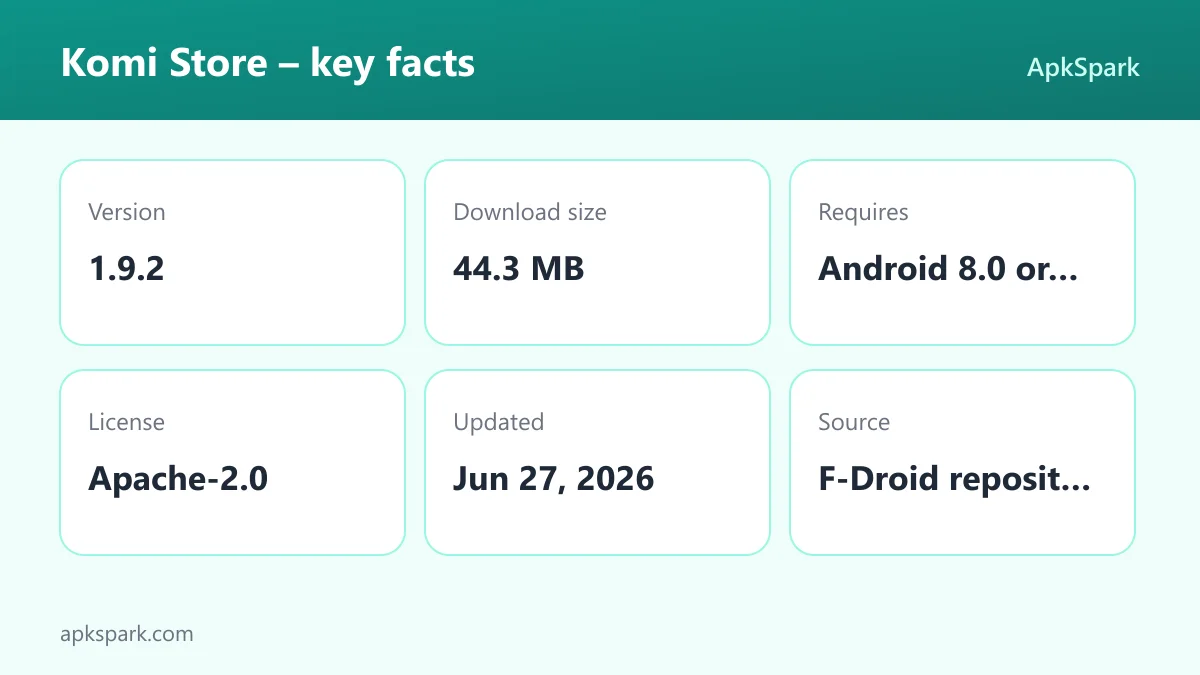
- Minimum Android version: Android 8.0.
- Download size: 44.3 MB.
- Supported ABIs: arm64-v8a, armeabi-v7a, x86 and x86_64, which covers nearly all phones, tablets and emulators.
- Version: 1.9.2.
- Release date: June 27, 2026.
Some features have their own requirements. Silent installs through Shizuku need Android 11 or newer and the Shizuku app set up. Material You dynamic colors need Android 12 or newer. Root installs need a rooted device with Magisk, KernelSU or APatch. Everything else in Komi Store works on Android 8.0.
A typical first session with Komi Store
After the first launch, most people start in the discovery feeds. Open Trending or a topic feed such as Privacy, pick a repository, and read its README. If the README is in a language you do not read, set up one of the translation providers with your own key and translate it in place.
Next, tap an APK from the release. When a release offers several files, pick the one that matches your phone, usually arm64 or universal. The app remembers that choice. Approve the install on the Android screen, and the new app appears in your installed list with update tracking turned on.
Then use "Scan GitHub Apps" or the starred-repo picker to connect apps you already have. If you used Obtainium before, the import option brings your existing list across. From that point, update notifications arrive in one place.
How updates work in Komi Store
Updates in Komi Store follow the releases a developer publishes. When a tracked repository gets a new release, the app sends a notification. Because it fingerprints the asset you installed the first time, it looks for the same flavor in the new release, for example arm64 rather than universal, or the non-Play build rather than the Play build. This matters most for monorepos that publish many files per release, where picking by name alone often fails.
You stay in control of each app. Skip-release lets you pass over one version you do not want, such as a release you know has a bug. Ignore-updates turns off notifications for an app entirely. The advanced asset regex is for projects whose file names change between releases, so you can describe the pattern of the file you want.
How the update gets installed depends on the backend you choose. With the default Android installer, each update shows the normal system prompt. With Shizuku on Android 11 and newer, Dhizuku, or root through libsu, installs can run silently. Root works with Magisk, KernelSU or APatch.
One rule always applies: Android only installs an update over an existing app when both are signed with the same key. If you linked an F-Droid app to its GitHub repository and the developer signs GitHub releases with a different key, the update will not install over the F-Droid copy. In that case you would need to uninstall and reinstall from the new source, which removes the app's data unless you back it up first.
Who should use Komi Store?
Komi Store is aimed at people who already install apps from GitHub releases or plan to. If you follow several open source projects that publish APKs on a forge but not on any store, Komi Store saves you from checking each release page by hand and from guessing which file to download.
It also suits people who mix sources. Someone with a few F-Droid apps, a few sideloaded builds and a few GitHub-only projects can link all of them to their repositories and get update notifications in one list. Former Obtainium users can import their setup instead of rebuilding it.
Power users get the most out of Komi Store. Shizuku, Dhizuku and root installs, per-host tokens, custom mirrors and asset regex rules are there for people who manage many apps or work on restricted networks. Someone who only wants a handful of mainstream apps may find a regular store simpler.
It is also a reasonable fit for people outside the main language markets. With 13 interface languages, including Arabic, Hindi, Bengali, Japanese, Korean and Simplified Chinese, and in-app README translation, Komi Store helps when a project documents itself only in a language you do not read.
Tips for getting started with Komi Store
- Sign in to GitHub early: Use web OAuth, the device flow or a Personal Access Token. Signing in is also needed for the starred-repo picker, and a token lets you reach private repositories you have access to.
- Link what you already have: Run "Scan GitHub Apps" to attach repositories to apps already on the device, or import an Obtainium export. This gives you update notifications for apps you installed before Komi Store.
- Pick the right asset once: When a release lists universal, arm64 and Play builds, choose carefully on the first install. The app pins that variant for future updates, so a wrong choice repeats itself.
- Set up Shizuku if you update often: On Android 11 and newer, the Shizuku backend allows silent installs, so batches of updates do not need a tap each. Dhizuku and root via libsu are other options.
- Add a mirror on slow networks: If GitHub downloads stall, turn on the fastly.jsdelivr.net mirror or add your own in the settings.
- Allow the battery exception: If update checks seem late, grant the request to ignore battery optimizations so background checks are not delayed.
Documented limitations of Komi Store
Komi Store relies on what developers publish. A repository without APK files in its releases has nothing to install, and naming varies between projects, which is why the asset regex option exists. Feeds such as Trending reflect forge data, not a review of quality or safety.
The NonFreeNet anti-feature applies because GitHub is a proprietary service. If you want to avoid it, you can focus on Codeberg, Forgejo or Gitea hosts, but many Android projects are published only on GitHub. The F-Droid signature also means you cannot switch to a developer-signed build without reinstalling.
Alternatives to Komi Store
ApkSpark does not list related apps for this one yet. To compare other tools for managing your phone, browse more System & Files apps and check what each one documents about sources, updates and permissions.
Final verdict
Komi Store turns GitHub, Codeberg, Forgejo and Gitea releases into a practical app store, with discovery feeds, tracked installs, pinned asset variants and several install backends. Extras such as per-host tokens, custom mirrors, Obtainium import and in-app README translation are aimed at people who install a lot of apps this way. It is open source under Apache-2.0, and this APK is built and signed by F-Droid.
It makes the most sense if you already rely on apps published on code forges or want one place for update notifications across mixed sources. Keep the NonFreeNet flag in mind, and remember that every app you install through it still deserves its own check.