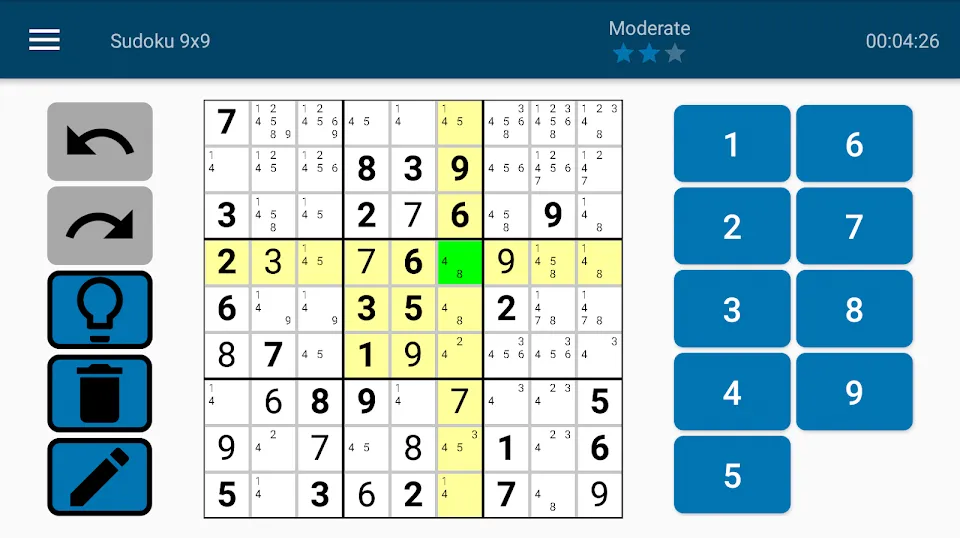
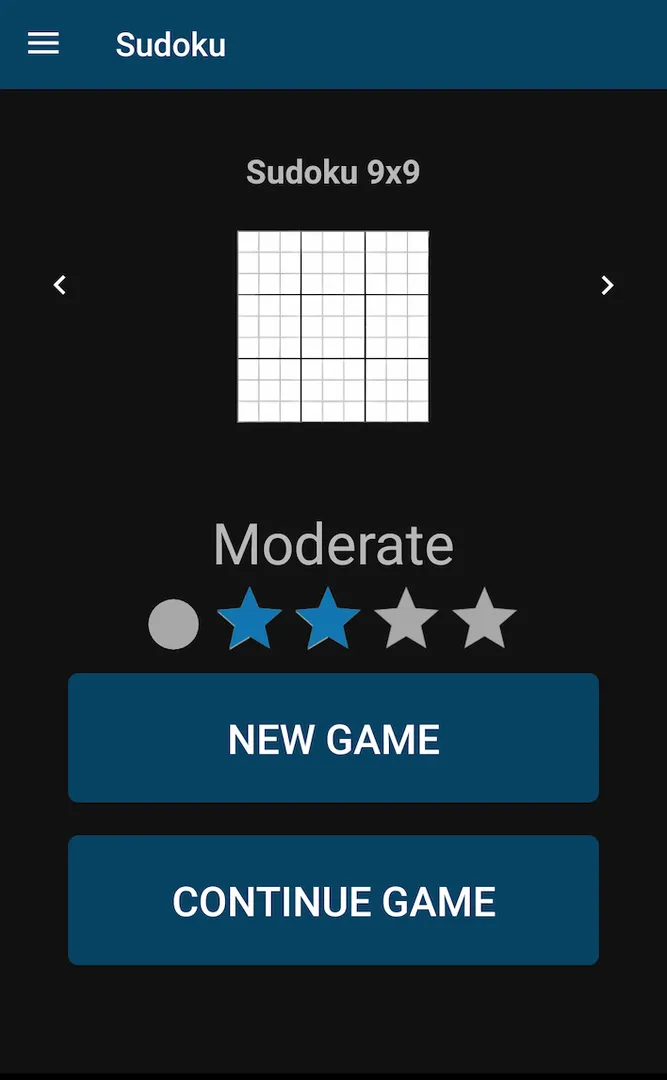
Sudoku (Privacy Friendly) is a logic puzzle game from SECUSO, the Security Usability Society research group, built around two promises: no advertising and no permissions that touch your personal data. You fill the board with numbers so that each one appears only once in every row, column and subsection.
The game goes beyond the standard 9x9 grid. There are three board sizes, four difficulty levels for each, a daily puzzle shared by every player, custom puzzles you can build yourself, and import and export for sharing. Sudoku (Privacy Friendly) also runs in light or dark mode.
This article explains how the game works, what each permission in the F-Droid build means, how to install the APK, and who it suits best. All details come from the developer's description and the F-Droid release data.
What is Sudoku (Privacy Friendly)?
Sudoku (Privacy Friendly) is made by SECUSO and carries the group's Privacy Friendly label, which the developers use to mark an app that avoids advertising and permission requests. This one is a Sudoku game, released as open source under the GPL-3.0 license.
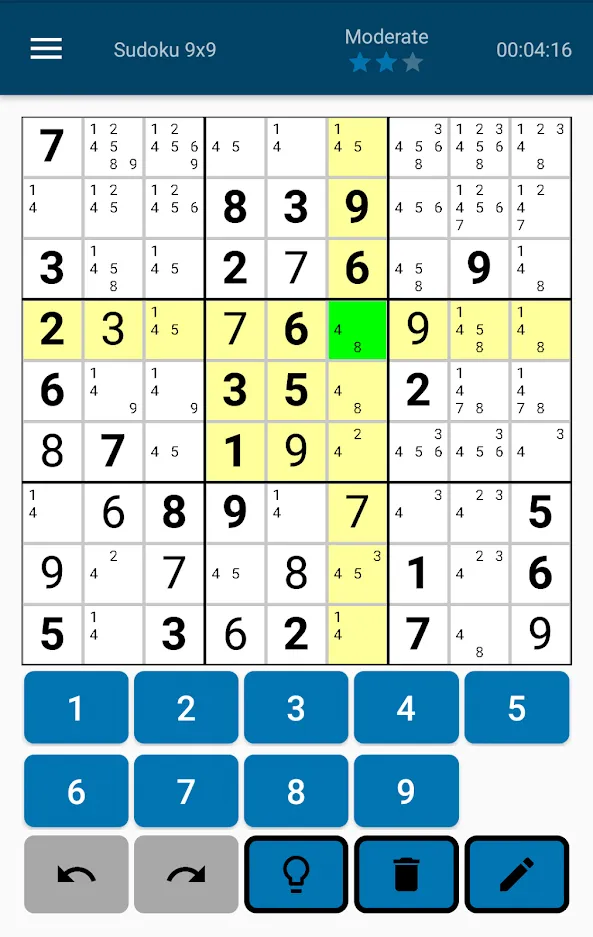
The rules are the classic ones. A board is divided into rows, columns and rectangular subsections. Some cells start with numbers already filled in. Your job is to complete the board so that every number appears exactly once in each row, each column and each subsection.
What makes Sudoku (Privacy Friendly) stand out is how it handles puzzle generation and difficulty. Instead of rating puzzles by how many numbers are given at the start, the four difficulty levels are based on the solving strategies a puzzle requires. The generator also tries to give you the minimum number of preset values needed for a solvable puzzle, so boards are not padded with extra hints.
The developers state two ways their app differs from many others: it does not rely on permissions to access your data, and it relinquishes advertising completely. They note that ads in many free apps are annoying and also shorten battery life.
Key features of Sudoku (Privacy Friendly)
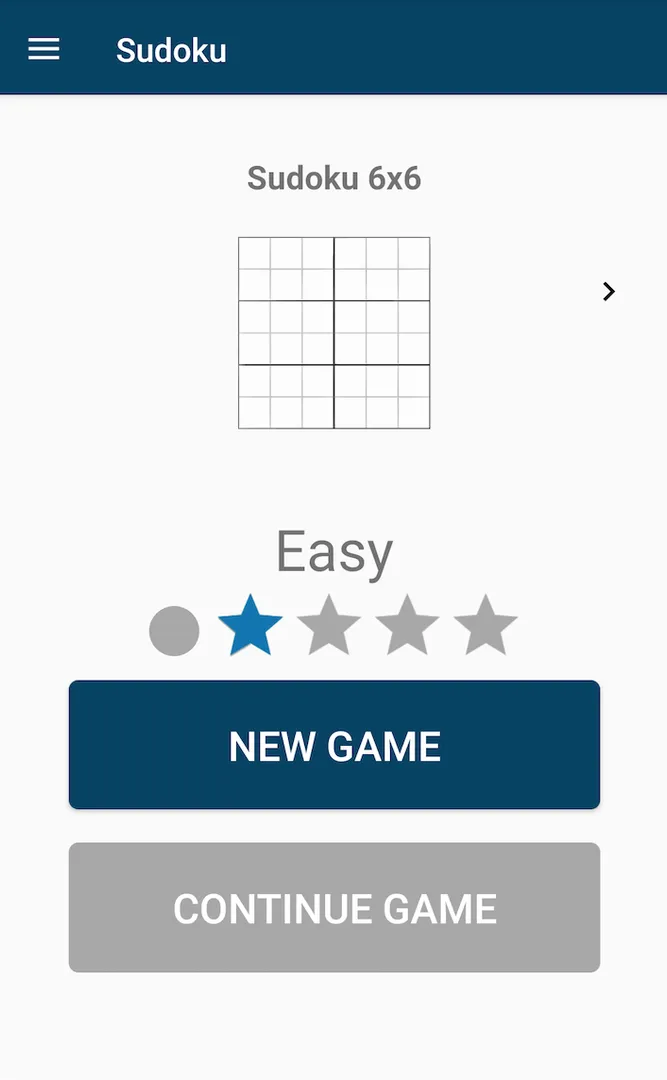
- Three game modes. You can play on a 6x6 field with 2x3 subsections, the classic 9x9 field with 3x3 subsections, or a larger 12x12 field with 3x4 subsections. The small board is good for quick games, the large one for long sessions.
- Four difficulty levels per mode. Each board size has four difficulty levels. Difficulty is measured by the solving strategies a puzzle needs rather than the number of preset values, so a harder level means harder logic, not just fewer clues.
- Minimal preset values. The generator always tries to produce a puzzle with the minimum number of given numbers needed to solve it. That keeps each board lean and means the starting numbers are the ones that actually matter.
- Custom sudokus. You can create your own puzzles of any difficulty for each of the three game modes. This is useful if you want to enter a puzzle from a newspaper or book, or design one for someone else.
- Import and export. Sudokus can be shared with other users through the import and export functions. You can send a puzzle you created or enjoyed to a friend who also has the app, so you can solve the same board.
- Daily sudoku. A new daily sudoku is generated each day, and it is the same for every user of the app. It works as a shared challenge, letting you compare notes with others who solved the same board.
- Light and dark mode. The game can be used in both light and dark mode. Dark mode is easier on the eyes at night, while light mode works well in bright rooms or outdoors.
- No advertising. The app completely relinquishes advertisement. There are no banners, video ads or interruptions between games, which the developers also point out saves battery compared with ad-supported apps.
- Open source from a research group. The code is public under GPL-3.0-only and maintained by SECUSO. You can read it, follow its changelog, and report bugs on the project's issue tracker on GitHub.
Sudoku (Privacy Friendly) permissions explained
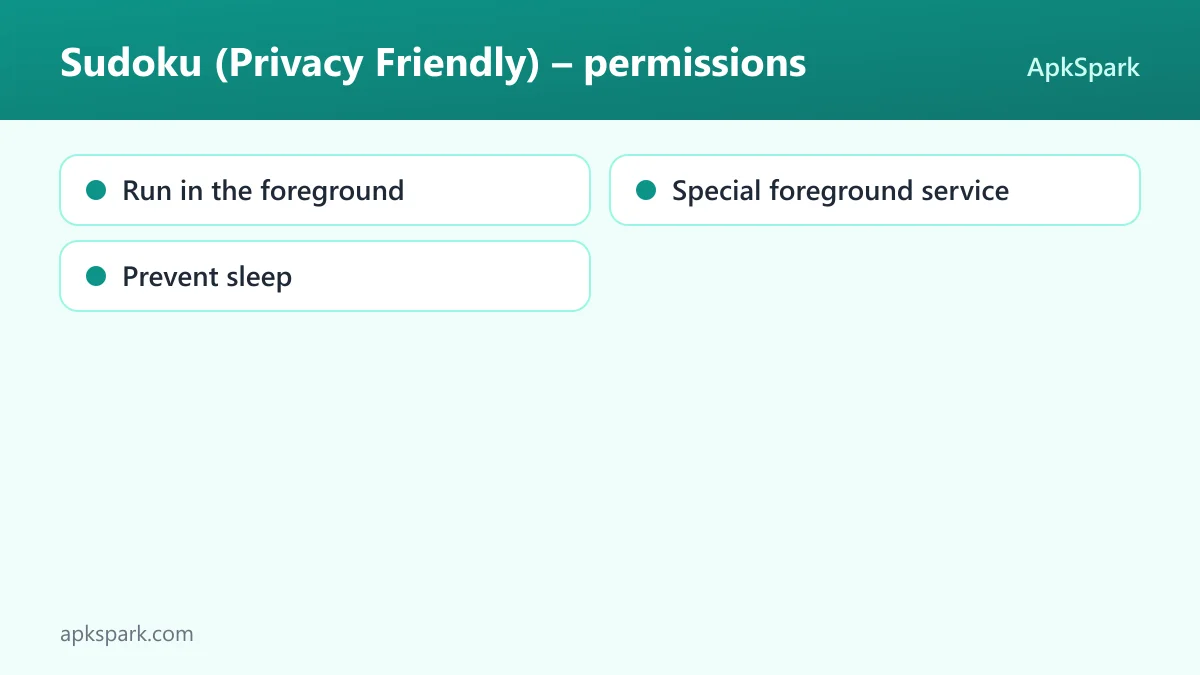
The developer description says the app does not use any permission. The F-Droid metadata for this build does list three entries, all marked as non-sensitive. None of them grant access to your files, contacts, location, camera, microphone or the internet. The description does not say which feature uses them.
- Run in the foreground. Lets the app keep a visible notification while it works in the background. Android requires that notification so you always know when an app is doing work while you are not looking at it.
- Special foreground service. Lets the app run a foreground service for a special purpose. This is a category Android uses for background tasks that do not fit its standard foreground service types.
- Prevent sleep. Lets the app keep the device awake while a task runs, such as playback or a download. It does not give access to any personal data.
On modern Android, sensitive permissions such as location, camera or contacts are requested at runtime with a pop-up. Sudoku (Privacy Friendly) does not request any of those, so you should not see such a prompt. The developers do not explain why the metadata lists these entries while the description says no permissions are used, so treat that as an open question rather than a contradiction.
How to download and install Sudoku (Privacy Friendly) APK
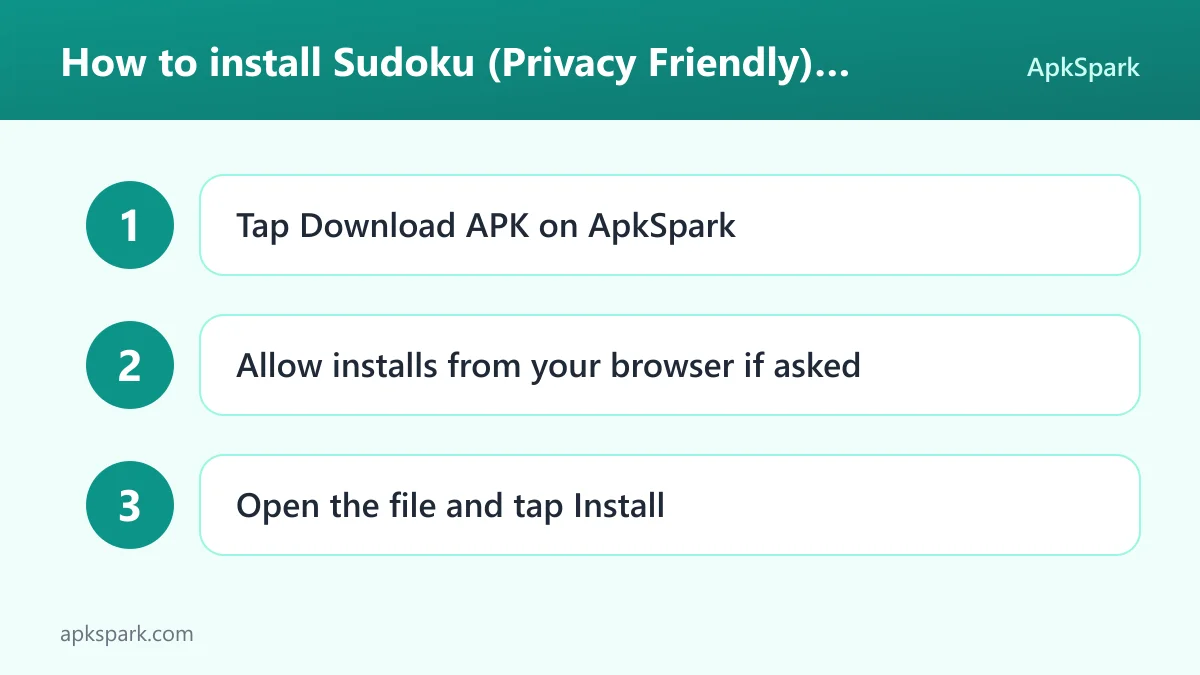
- Tap the Download button on this page to get the APK file.
- When Android asks, allow installs from your browser (the setting is often called "Install unknown apps").
- Open the downloaded file from your notifications or your Downloads folder.
- Tap Install and wait for it to finish.
- Open the app and choose a game mode.
If Android blocks the file or you have never installed an APK by hand, our guide to installing APK files walks through the settings on different Android versions and explains common error messages.
Is Sudoku (Privacy Friendly) safe?
Sudoku (Privacy Friendly) is free software under the GPL-3.0-only license, and the full source code is public on GitHub. Bugs can be reported on the issue tracker, and the developers publish a changelog in the repository.
The APK here comes from F-Droid. F-Droid builds this APK from the published source code and signs it with the F-Droid key, and the file is downloaded from the official f-droid.org repository. You can compare it with the F-Droid listing for Sudoku (Privacy Friendly).
F-Droid lists no anti-features for this game. Anti-features are F-Droid's warnings for ads, tracking, non-free dependencies or non-free network services, and none are flagged. That matches the developers' statement that the app has no advertising.
The project also has an official page on the SECUSO website, which ties the app to a named research group rather than an anonymous publisher. The permission list contains no network access, so the game has no direct way to send data off your device.
Sudoku (Privacy Friendly) system requirements
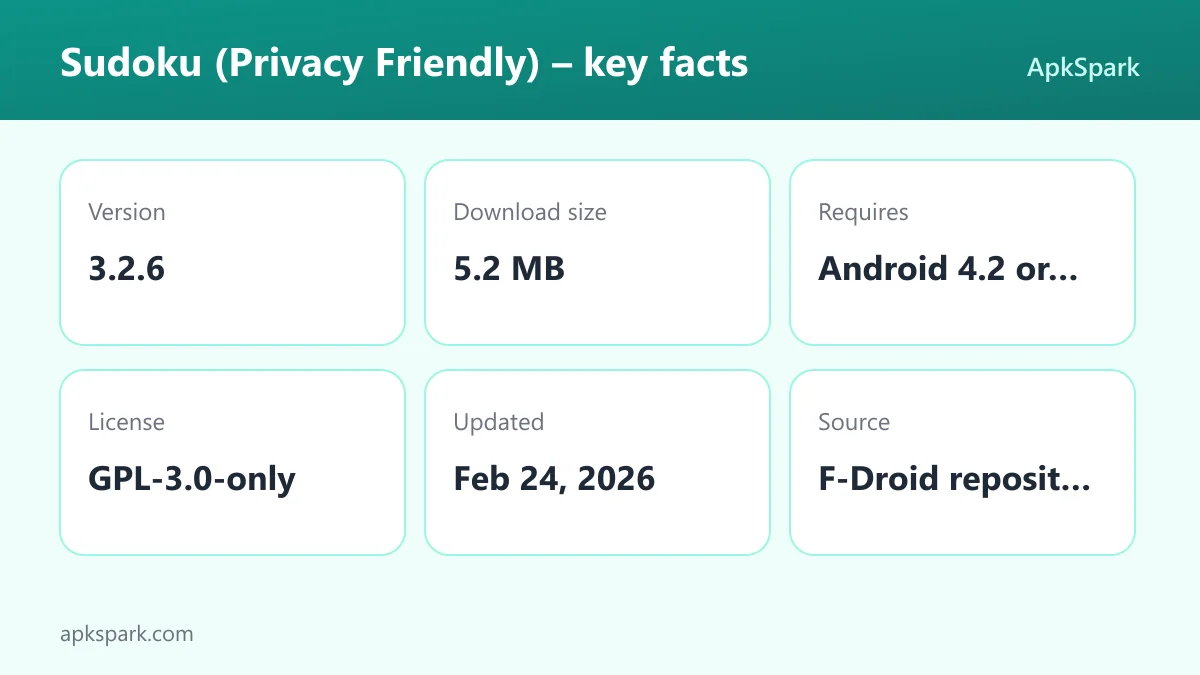
- Minimum Android version: Android 4.2 or newer.
- Download size: 5.2 MB.
- Supported ABIs: universal, so the APK works on all device architectures.
- Version: 3.2.6.
- Release date: February 24, 2026.
- RAM and free storage needed after install: not documented.
These requirements are modest. Support back to Android 4.2 and a universal build mean the game should install on old phones and tablets as well as new ones.
Choosing a game mode in Sudoku (Privacy Friendly)
The three board sizes play quite differently, so it helps to know what each offers before you start.
The 6x6 mode uses six numbers and 2x3 subsections. With fewer cells to track, it is the fastest way to finish a game and a good place to learn how the four difficulty levels feel. It also works well for younger players or anyone new to the rules.
The 9x9 mode is the standard sudoku most people know, with 3x3 subsections. If you have played sudoku in newspapers or books, this is where the strategies you already know apply directly.
The 12x12 mode in Sudoku (Privacy Friendly) uses twelve values and 3x4 subsections. It takes noticeably longer and requires tracking more candidates per cell. Because difficulty is based on solving strategies, a hard 12x12 board can be a serious challenge even for experienced players.
Within each mode, you choose from four difficulty levels. Since the levels reflect the techniques required, moving up a level is a reliable way to practice a new strategy rather than just facing a board with fewer givens.
A typical session with Sudoku (Privacy Friendly)
A common routine starts with the daily sudoku. It is newly generated each day and identical for every user, so it is a natural first game. After that, you might play a quick 6x6 board at a higher difficulty, or settle into a longer 9x9 or 12x12 game.
If a friend who also uses Sudoku (Privacy Friendly) shares a puzzle through the export function, you import it and solve the same board. If you find a good puzzle in print, you can enter it as a custom sudoku. At night, switching to dark mode makes longer sessions more comfortable.
Basic solving strategies for Sudoku (Privacy Friendly)
Because the four difficulty levels in Sudoku (Privacy Friendly) are defined by the strategies a puzzle needs, it helps to know the common ones. These are general sudoku techniques, not features of the app.
Single candidate. Look at one empty cell and rule out every number already present in its row, column and subsection. If only one number remains, it goes there.
Hidden single. Look at one row, column or subsection and ask where a given number can go. If only one cell can hold it, place it, even if that cell has other candidates.
Pairs. When two cells in the same unit can only hold the same two numbers, those numbers cannot appear anywhere else in that unit. Removing them often reveals new singles.
Pointing. If all candidates for a number inside one subsection lie in a single row or column, that number can be removed from the rest of that row or column.
Easier boards usually fall to singles alone, while harder ones need pairs, pointing and more advanced patterns. The same ideas apply on 6x6 and 12x12 boards; only the counts change.
Documented limitations
The description covers the game modes and community features well, but some details are not documented. It does not say whether there is a hint system, note-taking for candidate numbers, a timer, statistics or an undo function. It also does not explain the format used for import and export.
The three non-sensitive permissions in the F-Droid metadata are not explained in the description, which says the app uses no permissions. Readers who want to know exactly why they are there can check the source code or ask on the issue tracker.
What the Privacy Friendly label means for Sudoku (Privacy Friendly)
The developers describe two concrete differences between Sudoku (Privacy Friendly) and many other free apps: it does not rely on permissions to reach your data, and it carries no advertising at all. They also point out that ads in free apps are annoying and shorten battery life.
For a user, the practical effect is predictability. You know who makes the game, since the project page sits on the research group's own website. You can see what changed in each release through the public changelog, and you are not trading attention or data for a free puzzle. If you like this approach, the developer page linked below is the quickest way to find the group's other apps in our catalog.
Who should use Sudoku (Privacy Friendly)?
Sudoku (Privacy Friendly) is aimed at players who want a sudoku game without advertising and without handing over personal data. If you are tired of free puzzle apps that interrupt every game with ads, this one removes them completely and comes from a research group focused on usable security.
It also suits players who want variety within sudoku itself. Three board sizes, four strategy-based difficulty levels per size, custom puzzles and a shared daily board give you much more than a single endless stream of 9x9 grids.
Owners of older devices benefit from Sudoku (Privacy Friendly) too. With support back to Android 4.2, a universal APK and a 5.2 MB download, it runs on hardware that many newer games no longer support. Players who want online leaderboards or multiplayer will not find them described here.
Tips for getting started with Sudoku (Privacy Friendly)
- Learn on 6x6 first. The smaller board teaches the rules and the feel of each difficulty level quickly, before you commit to a longer 9x9 or 12x12 game.
- Raise difficulty to learn strategies. Because levels are based on the solving strategies needed, stepping up one level is a direct way to practice a new technique.
- Make the daily sudoku a habit. It is new each day and the same for everyone, so it is easy to discuss with friends or family who also play.
- Share puzzles with export. Use the export function to send a board you liked to someone else, and import theirs to try the same challenge.
- Enter puzzles from print. The custom sudoku option lets you type in a puzzle from a book or newspaper and solve it in the app.
- Switch to dark mode at night. Sudoku (Privacy Friendly) supports both themes, and dark mode is more comfortable for long evening sessions.
Alternatives to Sudoku (Privacy Friendly)
We do not yet have a curated list of related games for this title. To compare it with other number and logic games, browse more Puzzle apps in our catalog, or see other apps from the same team on the SECUSO developer page.
When you compare, look at the points this game is explicit about: whether there is advertising, which permissions are requested, whether the code is public, and how difficulty is measured.
Final verdict
Sudoku (Privacy Friendly) is a well-designed sudoku game that takes privacy seriously. Three board sizes, strategy-based difficulty, minimal preset values, a shared daily puzzle and custom boards make it richer than many basic sudoku apps, and it carries no advertising.
The small caveats are a description that does not list features like hints or notes, and a short permission list in the metadata that the description does not explain. For anyone who wants an open-source, ad-free sudoku that runs on almost any Android device, it is an easy choice.