


Markor is a lightweight, open source text editor for Android that handles notes and to-do lists in plain text, with support for Markdown, todo.txt and Zim wiki. It works completely offline, saves files as ordinary text in a folder you choose, and is developed by Gregor Santner under the Apache-2.0 license.
The idea behind Markor is that simple text is more powerful than it looks. Instead of a full office suite or a to-do service with its own database, you get one streamlined editor, syntax highlighting and formatting shortcuts, plus the ability to preview and export documents as HTML or PDF. Because your notes are plain files, any other text tool on any platform can open them.
This article explains what the editor does, the permissions it requests, how to install the APK, how the F-Droid build is produced, and how to set it up so your notes stay organized and synced.
What is Markor?
Markor is a plain text editor built around notes and to-do lists. The developer describes it as a way to create notes and manage your to-do list using simple markup formats. You can write in Markdown, todo.txt or Zim wiki, and the app highlights the syntax and offers actions that match the format, such as quickly inserting pictures or to-do items.
Everything is organized around a Notebook, which is simply a root folder on your device's file system. You can point it at any location you like. Two special files sit alongside it: QuickNote, for fast note taking, and To-Do, for your task list. Both are ordinary text files.
Unlike office suites such as LibreOffice or to-do apps such as Wunderlist, the developer points out, Markor has one streamlined text editor with no other editing interface. The source code is on GitHub. On ApkSpark, it is filed in the Developer Tools category, although it is a general note and to-do editor rather than a programming tool.
Key features of Markor
Plain text notes and to-dos: You create notes and manage your to-do list with simple markup formats. Since everything is plain text, the files remain readable and editable with any other software, from Notepad on Windows to vim on a server.
Markdown, todo.txt and Zim wiki: Markor supports three markup formats. Markdown suits general notes and documents, todo.txt suits task lists, and Zim wiki suits linked notes in the style of a personal wiki.
Syntax highlighting and format actions: The editor highlights markup as you type and offers format-related actions, including quick insertion of pictures and to-do items, so you do not need to remember every syntax rule.
Preview and export: You can convert, preview and share documents as HTML and PDF. A Markdown note can become a formatted page or a PDF to send to someone who does not use a text editor.
Notebook, QuickNote and To-Do: The Notebook stores all documents in a common file system folder. QuickNote gives you a fast place to jot something down, and To-Do keeps your task list, both as plain text files.
Share-Into: You can share any text to the app from other apps. From there you can save it to a note, copy it to the clipboard, reshare it, or open a link contained in the text in your browser.
Works fully offline: Markor works completely offline, so you can write whenever and wherever you are, without an account or network connection.
Auto-save with undo and redo: Changes are saved automatically, with options for undo and redo, which lowers the risk of losing work if you switch apps or your phone restarts.
Customization and language selection: The app is highly customizable and includes a dark theme. You can also choose a different language for the interface than the one your system uses.
Sync through other apps: Markor works with sync apps, though they handle syncing themselves. The developer lists BitTorrent Sync, Dropbox, FolderSync, OwnCloud, NextCloud, Seafile, Syncthing and Syncopoli as known to work.

Markor permissions explained
The developer says the app has no ads or unnecessary permissions, and the list is indeed short. On modern Android, sensitive permissions such as storage access are requested at runtime, and installing packages requires you to approve the source in system settings first.
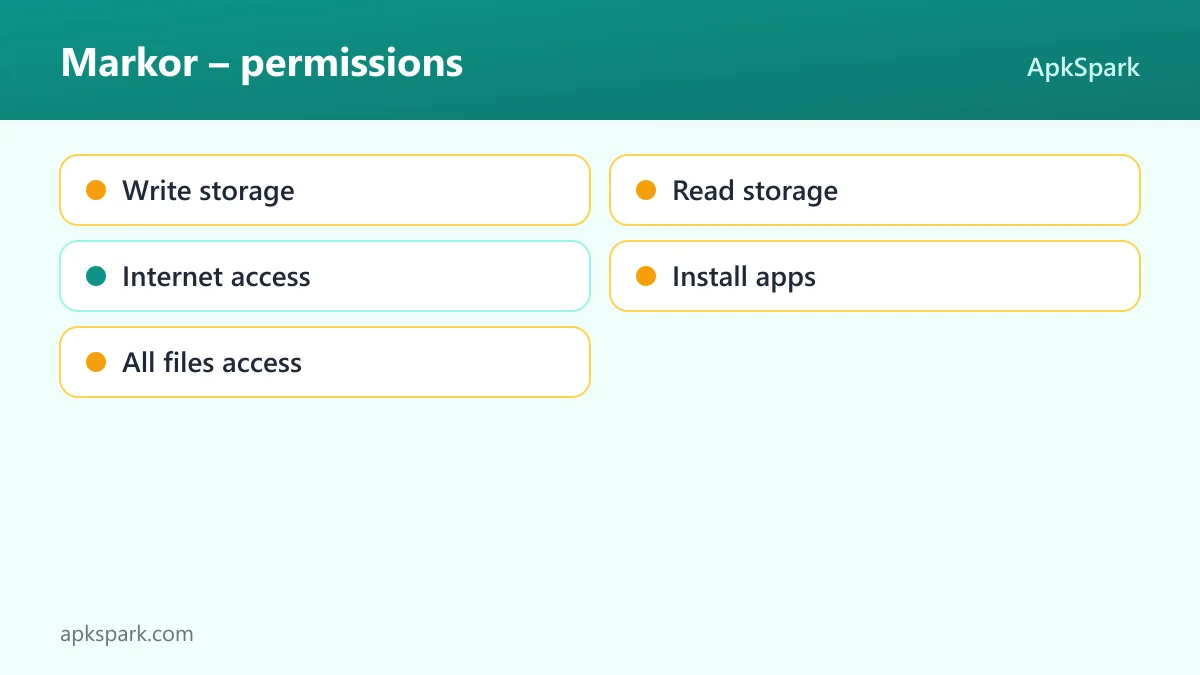
Write storage: Lets the app save and modify files in shared storage. Markor needs this to save your notes, QuickNote and To-Do files in the Notebook folder.
Read storage: Lets the app read files in shared storage, so it can open your existing notes and documents.
Internet access: Lets the app connect to the internet. The app works offline for editing, and the description does not tie this permission to a specific feature.
Install apps: Lets the app ask to install app packages, for example its own updates. Android still shows a confirmation before anything is installed.
All files access: Lets the app manage all files on the device's storage. Because the Notebook can be set to any location on the file system, broad file access lets Markor read and write notes wherever you keep them.
If you keep your notes in a single folder, you can still grant storage access and point the Notebook at that folder so the app stays focused on it.
How to download and install Markor APK
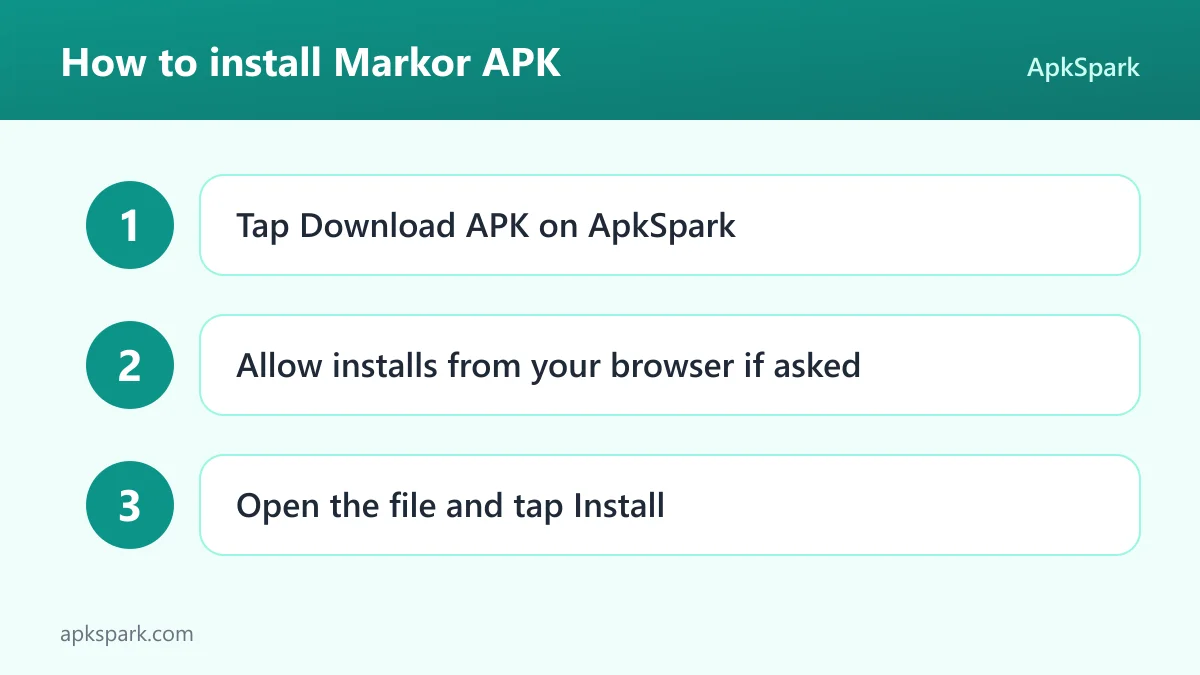
Tap the Download button on this page to get the APK file.
When Android asks, allow your browser to install unknown apps.
Open the downloaded file from your notifications or your Downloads folder.
Tap Install and wait for Android to finish.
Open the app and grant storage access so it can create your Notebook folder.
If Android blocks the file or this is your first sideloaded app, our guide to installing APK files covers the unknown sources setting on different Android versions and how to fix common install errors. The APK is only 11.8 MB, so it downloads quickly on mobile data.
Is Markor safe?
Markor is open source under the Apache-2.0 license, and its full source code is public on [GitHub](https://github.com/gsantner/the app). Problems and ideas can be reported on the public issue tracker, and release notes are kept in the project's changelog.
The APK here comes from the F-Droid listing. F-Droid builds this APK from the published source code and signs it with the F-Droid key, and the file is downloaded from the official f-droid.org repository.
F-Droid lists no anti-features for Markor, and the developer states it has no ads. Since your notes are stored as plain text files in a folder you choose, you always have direct access to your data. There is no proprietary database or account between you and your notes.
The broadest permission is All files access. It is what lets the Notebook live anywhere on your storage, but it also gives the app wide reach over your files. You can review it in Android's settings at any time.
Markor system requirements
Minimum Android version: Android 5.0 or newer.
Download size: 11.8 MB.
Supported ABIs: universal, so the same APK works on all devices.
Version: 2026.10.0.
Release date: October 29, 2026.
Internet connection: not needed for writing and editing.
RAM and storage beyond the download: not documented.
With a universal build, a small download and support back to Android 5.0, Markor is one of the easier apps to run on old phones and tablets. It is a sensible way to turn a spare device into a dedicated writing or to-do tool. The interface language can also be set separately from the system language, which helps on secondhand devices set up in another language.
Who should use Markor?
Markor is a good fit for anyone who wants their notes to remain plain files they own. If you like the idea of editing a note on your phone, then opening the same file with Notepad or vim on a computer, filtering it with grep, or zipping your whole notebook for backup, this is exactly the workflow the app is designed for.
It also suits people who already think in Markdown or todo.txt. Writers can draft in Markdown and export to HTML or PDF, while todo.txt users get a phone editor that reads and writes the same files as their other tools. People who keep a personal wiki can use the Zim wiki format.
Privacy-minded users will also appreciate that the editor works completely offline and does not need an account. Your notes do not pass through a service unless you choose a sync app that sends them somewhere, and that choice stays with you.
If you prefer rich formatting, embedded spreadsheets or a cloud service that syncs everything for you, Markor may feel bare. Syncing is left to separate apps, and the editing experience is deliberately one plain text editor rather than a set of specialized views.
Tips for getting started with Markor
Choose your Notebook folder first: Set the Notebook to the folder you want to use as the root of your documents. If you plan to sync, pick a folder your sync app already watches.
Use QuickNote for quick capture: Put fleeting ideas in QuickNote, then move them into proper notes when you have time to organize them.
Keep tasks in To-Do with todo.txt: Write your tasks in the To-Do file using the todo.txt format, so other todo.txt tools can read the same list.
Share text into the app: Use Share-Into from your browser or messaging apps to save snippets to a note, copy them to the clipboard, or open a contained link.
Export when you need formatting: Preview a Markdown note and export it as HTML or PDF when you need to send a formatted version to someone else.
Pair it with a sync app: For notes on several devices, use one of the sync apps the developer lists as known to work, such as Syncthing, Nextcloud or Dropbox.
A typical workflow with Markor
Many people start the day by opening the To-Do file. Each line is a task in todo.txt format, and Markor highlights the syntax so the list is easy to scan. Ticking off an item is just an edit to a line of text, and auto-save keeps the file current without you tapping a save button.
During the day, you capture ideas in QuickNote or share text from other apps straight into a note. If you read an article and want to keep a quote, Share-Into lets you save it to a note in a couple of taps. Links in shared text can be opened directly in your browser.
Longer writing happens in Markdown files inside the Notebook. The format actions help you insert pictures and lists, and the preview shows how the finished document will look. When the piece is ready, you export it as HTML or PDF and share it. Because the files are plain text, a sync app can carry them to your computer, where any editor can pick up where you left off.
Why plain text is the point
Most note apps keep your writing inside their own storage, and getting it out later can mean an export step or a format you cannot use elsewhere. This editor takes the opposite approach. Every note, the QuickNote file and the To-Do list are plain text files in a normal folder.
That has practical consequences. You can open the same files with Notepad or vim, search across them with grep, convert them to PDF, or pack the whole Notebook into a zip archive for a backup. If you change phones, you copy a folder. If you stop using the app one day, your notes are still right there and fully readable.
The developer sums it up as showing how powerful and expressive simple text can be: you view, edit, manipulate and convert plaintext, and the files stay compatible with any other plaintext software on any platform.
Syncing your notes with Markor
Markor does not include its own sync service. Instead, it works with sync apps that handle syncing on their own. According to the developer, sync clients known to work in combination include BitTorrent Sync, Dropbox, FolderSync, OwnCloud, NextCloud, Seafile, Syncthing and Syncopoli.
The practical setup is simple: point the Notebook at a folder that your sync app keeps up to date. Your notes then travel to other devices as normal files. This keeps the app small and offline while still letting you work across a phone, a tablet and a computer.
Because each sync app behaves differently, check how yours handles conflicts when the same file is edited on two devices at once. That is a feature of the sync tool, not of the editor. Plain text files make any conflict easier to resolve by hand, since you can open both versions in any editor and compare them line by line before keeping the one you want.
Documented limitations of Markor
By design, Markor has one streamlined text editor and no other editing interface, so you will not find spreadsheet, slide or rich text views. Syncing is left to separate sync apps. The developer's statement of no unnecessary permissions sits alongside requests for All files access and the ability to install packages, which you may want to keep in mind when granting permissions.
Alternatives to Markor
ApkSpark does not list related apps for this editor yet. You can browse more Developer Tools apps to see other utilities in the same category, or visit the Gregor Santner developer page for other apps from the same developer.
The developer's own description also mentions apps that people who like Markor may be interested in, such as Simpletask and Simple Notes, which can help if you want a dedicated to-do or notes app alongside it.
Final verdict
Markor turns plain text into a capable notes and to-do system, with Markdown, todo.txt and Zim wiki support, previews and exports to HTML and PDF, Share-Into, and full offline use. It is open source, small, ad-free and built by F-Droid from public source code.
It is not a rich editor or a cloud service, and syncing depends on another app. If you want notes that you fully own and can open anywhere, it is an excellent app to keep on your phone.