Battleship is an offline naval combat game for Android in which you face an AI opponent on a 10x10 grid. It needs no network connection, no account and no tracking, and the whole APK is only 1.3 MB.
The rules follow the classic format: each side hides a five-ship fleet, then takes turns firing at the other's grid until one fleet is sunk. This version adds super weapons that unlock when you sink an enemy ship, plus career stats with medals and ranks that carry over between games and app restarts.
This article covers how the game plays, what the AI does, what the single permission is for, how to install the APK, and who will enjoy it. All details come from the developer's description and the F-Droid build data.

What is Battleship?
Battleship is a local, single-player version of the well-known grid guessing game, made by developer Babak Bandpey and released as open source under the Apache-2.0 license. You play against the phone, not against other people online, so there is nothing to sign up for and nothing that depends on a server.
Each match uses a 10x10 grid and the standard fleet of five ships: a Carrier, a Battleship, a Cruiser, a Submarine and a Destroyer. You place your fleet, the AI places its own, and then you take turns calling shots. A shot is either a hit or a miss, and a ship sinks when every cell it occupies has been hit.
The AI opponent uses a hunt/target algorithm with checkerboard parity. In plain terms, it searches the grid in an efficient pattern until it finds one of your ships, then switches to targeting the cells around that hit until the ship goes down. That makes it a more methodical opponent than one that fires at random.
This Battleship also has a few touches that go beyond the basic board game. Sinking an enemy ship unlocks a matching super weapon, and a career system tracks 33 medals and 8 ranks across your games. All sound effects are synthesized at runtime, which helps explain the very small download size.
Key features of Battleship
- Fully offline play. The game requires no network connection, no account and no tracking. You can play anywhere, including on a plane or underground, and the F-Droid build does not request internet access, so nothing about your games leaves the device.
- AI opponent with a real strategy. The computer uses a hunt/target algorithm with checkerboard parity. It hunts across the grid in an efficient pattern, then focuses fire around a hit until the ship is sunk, which gives you a consistent and challenging opponent.
- Classic 10x10 grid and five-ship fleet. Matches use the standard layout with a Carrier, Battleship, Cruiser, Submarine and Destroyer. If you know the board game, the rules and ship set will be immediately familiar.
- Tap-to-place fleet setup. You place ships by tapping a cell. A separate button switches the current ship between horizontal and vertical, so you can set up your fleet precisely without dragging pieces around a small screen.
- One-tap random deployment. If you do not want to place ships yourself, a single tap deploys the whole fleet at random. This is handy for quick rematches or for avoiding the habit of always placing ships in the same spots.
- Super weapons. Sinking an enemy ship unlocks a matching super weapon. The description names area bombardment, cross-pattern saturation fire and a sonar sweep as examples, which add a layer of tactics beyond firing one shot at a time.
- Career stats that persist. The app tracks your career across games and app restarts. Your record is not lost when you close the game, so long-term progress builds over many matches.
- 33 medals and 8 ranks. The career system includes 33 medals across four rarity tiers and 8 career ranks, starting at Cadet and ending at Fleet Admiral. These give you goals beyond simply winning the next match.
- Synthesized audio. All game audio is generated at runtime, so no audio files are bundled with the app. That is part of why the APK is only 1.3 MB.

Battleship permissions explained
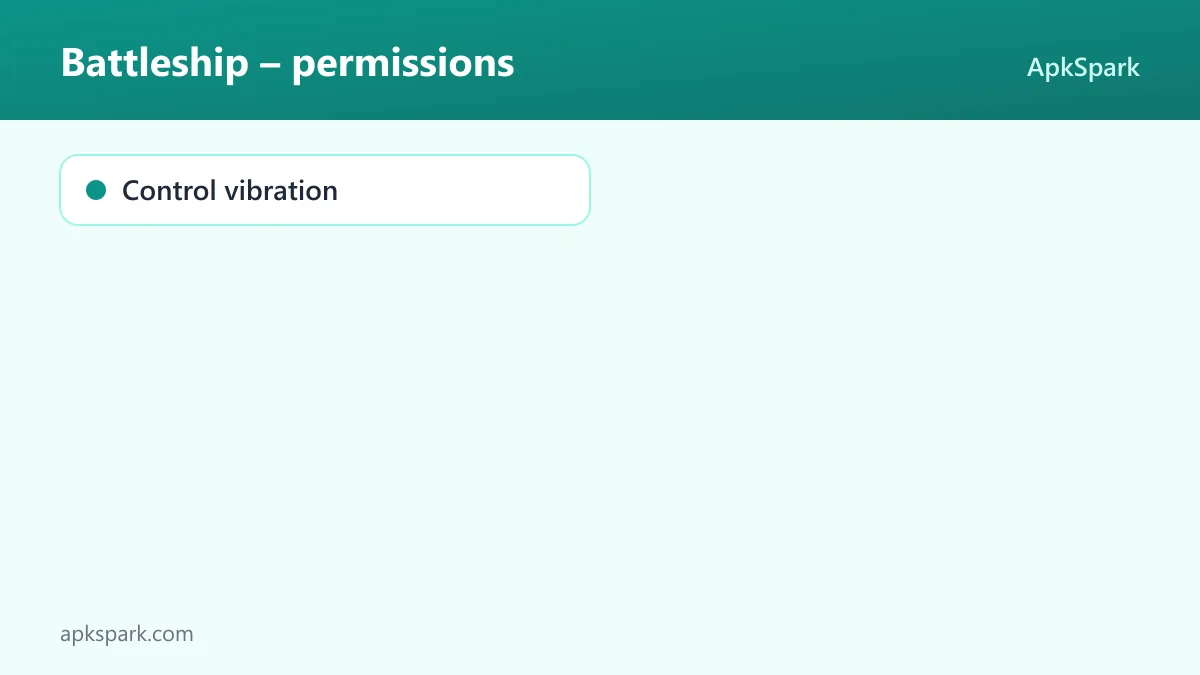
The F-Droid build of Battleship requests one permission, and it is not classed as sensitive.
- Control vibration. Lets the app make the device vibrate. The description does not say exactly when it vibrates, but in a game built around hits and misses, this is typically used for haptic feedback during play.
There is no internet, storage, location, camera, microphone or contacts permission. On modern Android, sensitive permissions are requested at runtime with a pop-up the first time an app needs them. Vibration is not one of those, so you will not see a prompt for it, and the game does not ask for anything that would trigger one.
How to download and install Battleship APK
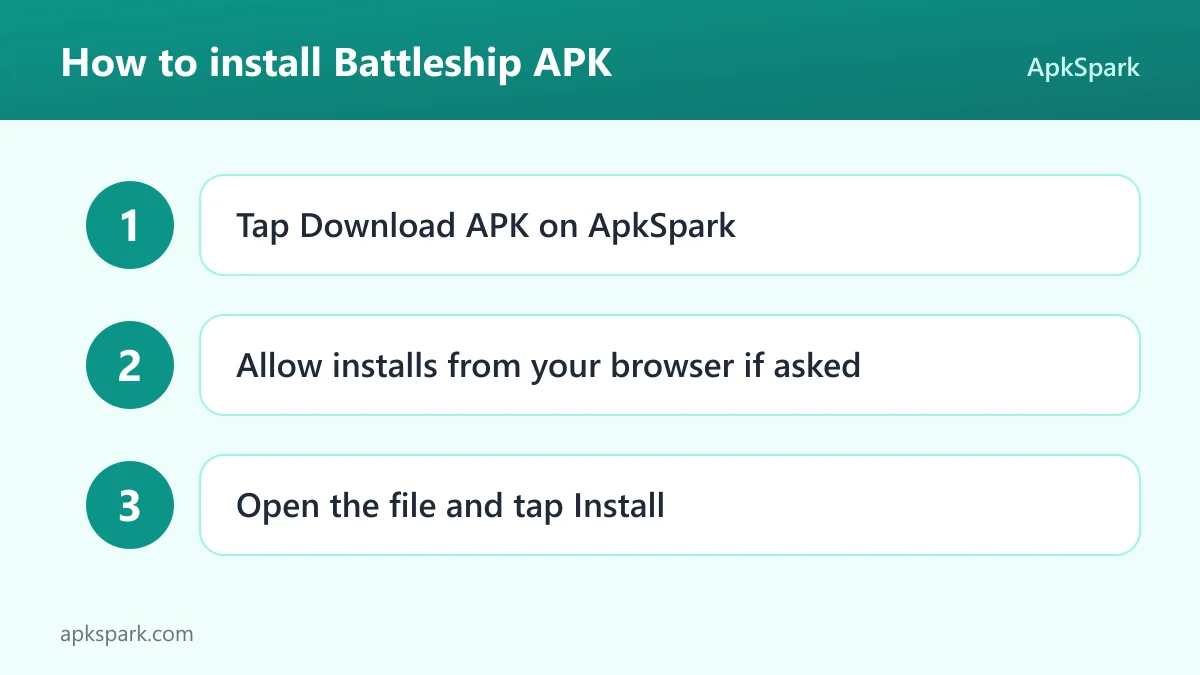
- Tap the Download button on this page to get the APK file.
- When Android asks, allow installs from your browser (the setting is often called "Install unknown apps").
- Open the downloaded file from your notifications or your Downloads folder.
- Tap Install and wait for it to finish.
- Open the app and set up your first fleet.
If Android blocks the file or this is your first sideloaded app, our guide to installing APK files explains the settings screens on different Android versions and what common install errors mean.
Is Battleship safe?
Battleship is open source under the Apache-2.0 license, and its full source code is public on GitHub. Bugs can be reported on the issue tracker, and release notes are published on the project's releases page.
The APK offered here comes from F-Droid. F-Droid builds this APK from the published source code and signs it with the F-Droid key, and the file is downloaded from the official f-droid.org repository. You can check the same release on the F-Droid listing for Battleship.
F-Droid lists no anti-features for this game. Anti-features are F-Droid's warnings for ads, tracking, non-free dependencies or non-free network services, and none are flagged here. That matches the developer's statement of no account and no tracking.
The only permission is vibration, and there is no network access. Battleship has no direct way to send data off your phone. There is also an official website for the project.
Battleship system requirements
- Minimum Android version: Android 7.0 or newer.
- Download size: 1.3 MB.
- Supported ABIs: arm64-v8a, armeabi-v7a, x86 and x86_64. That covers modern 64-bit phones, older 32-bit ARM phones and x86 devices such as many emulators.
- Version: 1.0.13.
- Release date: September 23, 2026.
- RAM and free storage needed after install: not documented.
The tiny download and wide ABI support mean the game fits easily on an older or nearly full phone, as long as it runs Android 7.0 or newer.
How the Battleship AI plays
Knowing how the opponent thinks helps you play better against it. The description says the AI uses a hunt/target algorithm with checkerboard parity.
In the hunt phase, the AI has no hits to follow up. Because the smallest ship in the fleet, the Destroyer, covers at least two cells, every ship must cover at least one cell of a checkerboard pattern. Firing only at those cells lets the AI search the board without wasting shots on cells that cannot hide a ship on their own.
Once it scores a hit, the AI switches to the target phase. It fires at the cells next to the hit to find the direction of the ship, then follows that line until the ship sinks. After that, it goes back to hunting.
This makes the AI predictable in structure but not easy to beat. It will not waste shots on random corners, and it will not forget a damaged ship. Your best answer is good placement and smart use of the super weapons you unlock.
Using super weapons in Battleship
Super weapons are the main addition to the classic rules. Each time you sink an enemy ship, you unlock a matching weapon. The description gives three examples: area bombardment, cross-pattern saturation fire and a sonar sweep.
The exact effect of each weapon is not spelled out in detail, but the names give a clear idea of their roles. An area attack hits a block of cells at once, a cross pattern covers a plus-shaped area, and a sonar sweep is a scouting tool. Used well, they can turn a slow search into a fast finish.
Because weapons are earned by sinking ships, the order in which you finish off targets matters. Completing a damaged ship before searching elsewhere both removes a threat and gives you a new tool for the next phase of the match.
Fleet placement strategy in Battleship
Placement is the one part of a match where you have full control, so it is worth a little thought. The fleet has five ships of different lengths, and the AI hunts on a checkerboard pattern before switching to targeted fire.
Against a parity-based search, no single cell is safe, but you can make the target phase less rewarding. Ships placed side by side let one hit lead to the discovery of a neighbor, so leaving gaps between them means each find gives the AI less information.
Mixing orientations also helps. The rotate button switches each ship between horizontal and vertical. A fleet that is all horizontal or all vertical forms a pattern a careful opponent can exploit, while a mix forces the AI to test both directions after every first hit.
Finally, vary your setups from game to game. If you keep using the same corners, random deployment is a quick way to break the habit, and Battleship makes it a single tap.
Documented limitations
The description covers the core game well but leaves some things out. It does not list difficulty settings for the AI, so it is not clear whether you can make the opponent easier or harder. It also does not describe the exact effect of each super weapon, or whether there are more than the three examples it names.
Multiplayer is not mentioned, and the absence of a network permission rules out online play. There is no information about backing up career stats or moving them to another phone, so treat your medals and rank as tied to the device where you earn them.
A typical match in Battleship
A match starts with fleet placement. You tap cells to position the Carrier, Battleship, Cruiser, Submarine and Destroyer, using the rotate button to switch each one between horizontal and vertical. If you are in a hurry, one tap deploys the whole fleet at random.
Then the shooting begins. Early on, a parity pattern of your own is the most efficient way to search, just as it is for the AI. Once you land a hit, work along the neighboring cells to find the ship's direction.
Because Battleship is played against the computer, there is no waiting for another person to take a turn, and you can start a new match as soon as the last one ends. You alternate shots with the AI, marking hits and misses on its grid. When you sink your first enemy ship, a super weapon becomes available. Matches end when one fleet is gone, and your result feeds into your career stats, medals and rank.
Who should use Battleship?
Battleship is a good fit for anyone who enjoyed the board game and wants a quick, offline version on their phone. Matches against the AI need no other player, no network and no account, so you can play a round on a commute, during a break or on a flight.
Battleship also suits players who like a bit of long-term progress. The career system, with 33 medals in four rarity tiers and ranks from Cadet to Fleet Admiral, gives a reason to keep playing after the first few wins. Super weapons add tactical choices without changing the core rules.
Owners of older or low-storage phones benefit from the 1.3 MB size and broad device support. Privacy-minded users get open-source code, no tracking and a single non-sensitive permission. If you want to play against friends online, the description does not mention any multiplayer mode.
Tips for getting started with Battleship
- Avoid predictable placement. The AI hunts on a checkerboard pattern, so no spot is truly safe, but spreading ships out and avoiding obvious clusters makes the target phase less rewarding for it.
- Try random deployment. One tap deploys the whole fleet at random. Using it now and then breaks habits that a careful opponent could exploit over time.
- Use parity yourself. The same checkerboard idea the AI uses works for you. Firing at alternating cells finds ships with fewer shots than firing at random.
- Finish damaged ships first. Sinking a ship unlocks a super weapon, so completing a hit ship quickly both removes a threat and gives you a new tool.
- Save scouting for the endgame. A sonar sweep is most valuable when few ships remain and the board is large and empty.
- Track your career. Stats, medals and ranks persist across games and restarts, so set goals like reaching the next rank or unlocking a rarer medal.
Alternatives to Battleship
We do not yet have a curated list of related games for this title. To compare it with other strategy and tabletop-style games, you can browse more Board & Card apps in our catalog, or visit the Babak Bandpey developer page for other projects by the same author.
When you compare, check the points this game is clear about: whether it works offline, whether it needs an account, whether it tracks you, and how many permissions it requests.
Final verdict
Battleship takes a classic game and builds a clean, offline version around a methodical AI opponent. Super weapons, persistent career stats, 33 medals and 8 ranks add depth, and the whole thing fits in a 1.3 MB APK with one non-sensitive permission.
Its limits are clear: Battleship is single-player only, and some details, such as the exact effects of each super weapon, are not documented. If you want a quick, private and lightweight naval combat game, it is an easy one to recommend.