Chess for Android, listed here simply as Chess, is a free and open-source board game app that combines an offline engine, online play through Lichess and FICS, puzzles and a searchable game database. It is developed by Jeroen Carolus, released under the MIT license, and has no ads.
The app covers most of what a club player needs on a phone. You can play against the built-in engine without a connection, take on opponents online, solve tactics, browse openings and keep your own games organized. It also has real accessibility work behind it, with TalkBack support and a separate drag mode for players who find normal dragging difficult.
The version on this page is 10.7.0, released on 2026-11-09. It is a 5.8 MB download, needs Android 7.0 or newer, and is the F-Droid build compiled from the published source code.

What is Chess?
Chess is an Android app that works as both a standalone program and an online client. The F-Droid summary calls it a program and FICS client, and the developer's description adds Lichess support on top. In practice that means one app handles offline games, online games, training and game storage.
Offline, you play against the built-in engine. You can choose standard rules, Chess960 or Duck Chess, and you can set up custom positions directly on the board before you start. Online, you connect to Lichess or FICS, create or accept Lichess challenges and continue games that are already in progress.
For study, the app includes Lichess puzzles, a collection of mate-in-two puzzles and training positions, and an ECO opening explorer. You can step through moves and review complete games. Finished games go into a local database that you can search, edit, import into and export from.
The project is hosted on GitHub, and the developer's website is jwtc.nl. The code is MIT licensed, one of the most permissive open-source licenses.
Key features of Chess
- Offline engine play: Play against the built-in engine without an internet connection. This is the quickest way to get a game in on a commute or anywhere without a reliable signal, and it does not depend on any online account.
- Lichess and FICS online play: Connect to Lichess or FICS to play people online. On Lichess you can create or accept challenges and continue your ongoing games from inside the app, so you do not have to switch to a browser.
- Three rule sets: Choose standard rules, Chess960 or Duck Chess. Having three rule sets in one app gives you some variety without installing anything else.
- Custom positions: Set up any position directly on the board. This is useful for recreating a position from a book, a lesson or a game you watched, and then playing it out or analyzing it.
- Puzzles and training: Solve puzzles from Lichess, or work through the built-in collection of mate-in-two puzzles and training positions. The two sources give you both online and on-device tactical practice.
- ECO opening explorer: Explore openings with the built-in ECO opening explorer, which lets you browse named lines and see how a game usually develops from the first moves.
- Local game database: Save games locally and search them by player, event, date or result. You can edit saved games, import and export game files, and share positions or games with other apps.
- Screen reader support: The app supports screen readers such as TalkBack. Board squares, pieces, moves and controls provide spoken information so screen-reader users can navigate and play.
- Accessibility Drag mode: An optional mode for players who find conventional dragging difficult. Its timing can be adjusted, and it is a separate mode intended for use without TalkBack.
- Chromecast and external engines: Cast the board to a Chromecast-enabled TV or display so others can follow along. The app also supports the Open Exchange Protocol (OEX), so compatible third-party engines can be used when installed.

Chess permissions explained
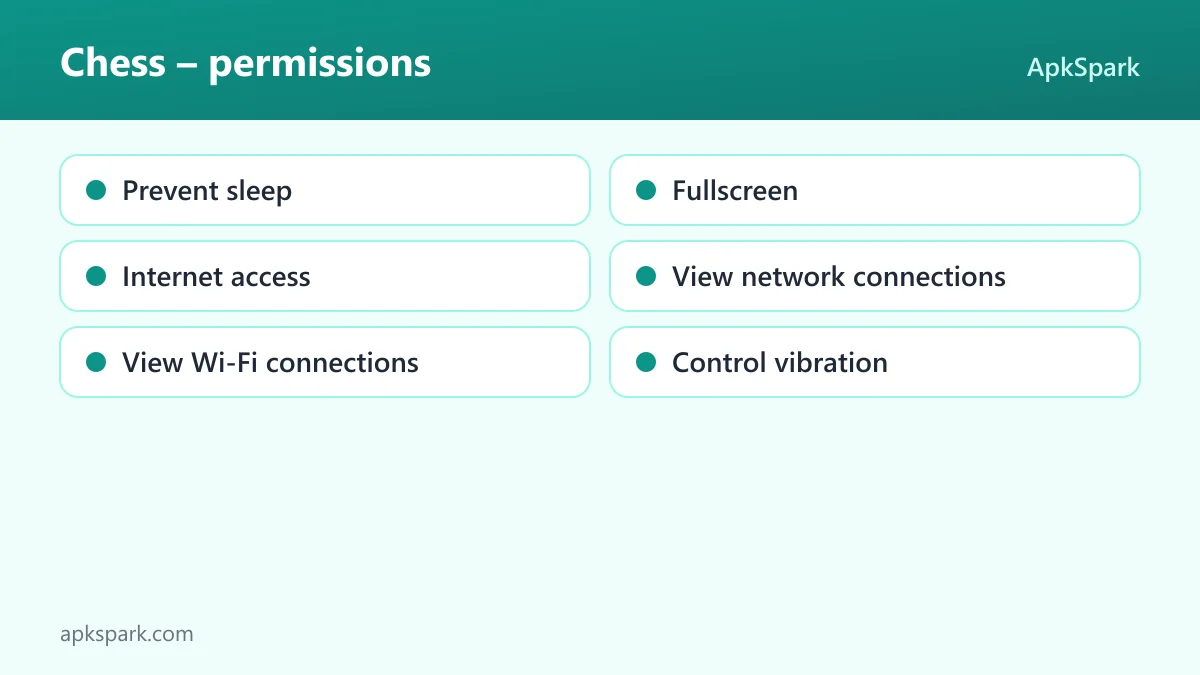
The F-Droid build requests six permissions. None of them is marked as sensitive. On modern Android, sensitive permissions such as location, camera or storage must be requested at runtime through a system dialog. Because this app asks only for normal permissions, Android grants them at install time and you should not see prompts for them.
- Prevent sleep: Lets the app keep the device awake while a task runs. The project does not say which feature uses it. A plausible use is keeping the screen on during a game, but this is not documented.
- Fullscreen: Lets the app use the fullscreen permission, which allows it to show content across the whole screen. The specific screen that uses it is not documented.
- Internet access: Lets the app connect to the internet. This is needed for documented online features: playing on Lichess or FICS, Lichess challenges and ongoing games, and solving Lichess puzzles.
- View network connections: Lets the app check whether the device is online and which network type it uses. This helps with online play, though the exact use is not stated.
- View Wi-Fi connections: Lets the app read information about Wi-Fi networks. The description does not link it to a feature. Casting to a Chromecast device usually happens over a local network, but the project does not confirm that this permission is for casting.
- Control vibration: Lets the app make the device vibrate. The feature that uses vibration is not documented.
How to download and install Chess APK
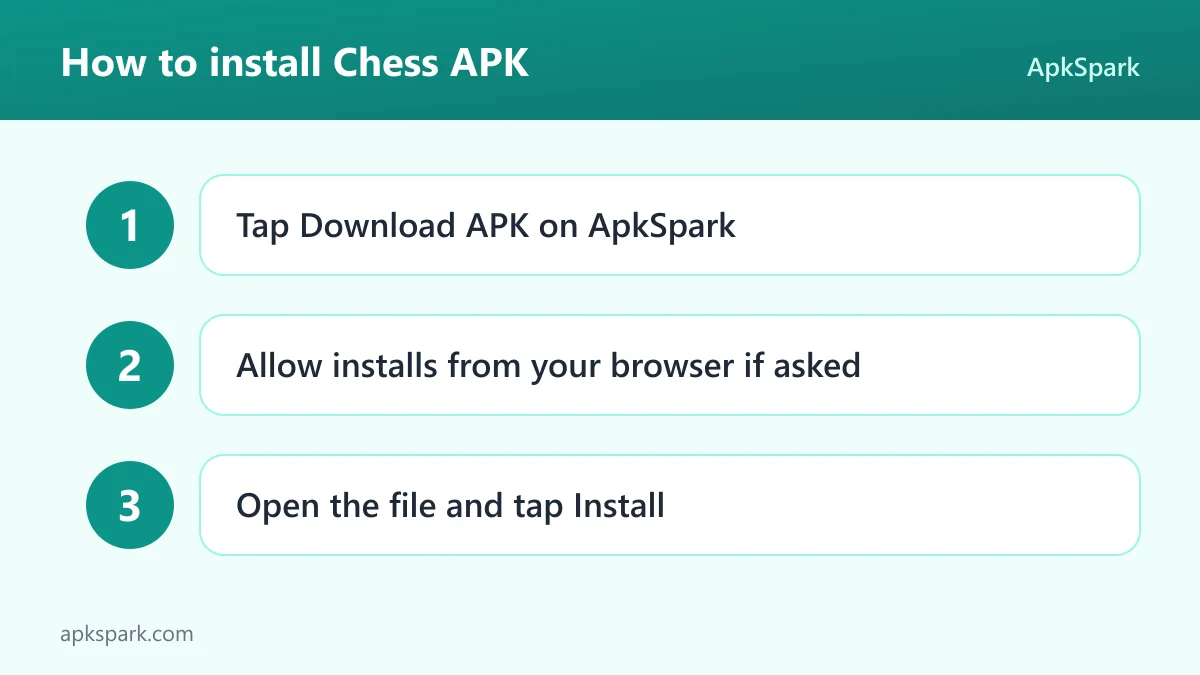
- Tap the Download button on this page.
- When Android asks, allow installs from your browser (the setting is usually called "Install unknown apps").
- Open the downloaded file from your notifications or your Downloads folder.
- Tap Install and wait for Android to finish.
- Open the app from your home screen or app drawer.
The download is 5.8 MB, so it fits easily on most devices. If Android blocks the install, shows a parsing error or asks about unknown sources, our guide to installing APK files explains each step and the usual fixes.
Is Chess safe?
Chess for Android is released under the MIT license. That license allows anyone to use, copy, modify and distribute the code with very few conditions. The full source is public on GitHub, so the app's behavior is open to inspection by anyone.
The APK offered here is the F-Droid build. F-Droid builds this APK from the published source code and signs it with the F-Droid key. The file is downloaded from the official f-droid.org repository. You can see the package details on the F-Droid listing.
F-Droid lists no anti-features for this app. That means it does not flag ads, tracking, or reliance on non-free network services. The developer also describes the app as having no ads.
Because the F-Droid key signs this file, Android treats it as coming from a different publisher than copies signed by the developer. If you already have the app from another source, this APK may not install over it. In that case, export your saved games first, then uninstall the old copy before installing this one.
Bugs and feature requests go to the public issue tracker, and more about the developer is on the official website.
Chess system requirements
- Minimum Android version: Android 7.0
- Download size: 5.8 MB
- Supported ABIs: arm64-v8a, armeabi-v7a, x86 and x86_64
- Version: 10.7.0
- Release date: 2026-11-09
The four ABIs cover nearly all phones and tablets, including older 32-bit ARM devices and x86 hardware. RAM and storage needs beyond the download size are not documented. Casting needs a Chromecast-enabled TV or display, and using an external engine needs a compatible OEX engine installed separately.
Online features also have their own requirements. Playing on Lichess or FICS needs a working internet connection and, for ongoing Lichess games and challenges, access to your account on that service. Offline engine games, mate-in-two puzzles, training positions, the ECO explorer and the local database work without a connection.
Online play in Chess: Lichess and FICS
Chess for Android connects to two online services. Lichess is the more fully described one: you can create challenges, accept challenges from others and continue your ongoing games. You can also solve Lichess puzzles from inside the app.
FICS is the second option, and the F-Droid summary describes the app as a FICS client. The description does not list FICS-specific features beyond online games, so expect the basics rather than a full set of service tools.
Both services need the internet access permission, which Android grants at install time. If you lose your connection, the offline engine is still available, and your saved games stay in the local database on your device.
Managing your games in Chess
The local database is where this app stands out for players who study. Every saved game can be searched by player, event, date or result. That makes it practical to keep years of games and still find a specific one quickly.
Saved games can be edited, so you can fix a wrong header or a mistyped detail. You can import game files from elsewhere and export your own, which helps when you move to a new device or want to use the games in another program.
Positions and games can also be shared through other apps on your phone. That is handy for sending a puzzle to a friend or posting a position you want advice on.
Casting and external engines in Chess
Two features extend Chess for Android beyond the phone screen. The first is casting. You can send the board to a Chromecast-enabled TV or display, so other people in the room can follow the game on a larger screen. This suits a club evening or teaching a family member.
The second is engine support. Besides the built-in engine, the app supports the Open Exchange Protocol (OEX). If you install a compatible third-party engine, the app can use it. The specific engines that work are not listed, so check that any engine you want supports OEX before relying on it.
Accessibility in Chess for Android
Accessibility is one of the more distinctive parts of this app. With a screen reader such as TalkBack turned on, board squares, pieces, moves and controls all give spoken information. That lets a blind or low-vision player find pieces, hear what moved and use the controls without seeing the board.
The second tool is Accessibility Drag mode. It gives players who find conventional dragging difficult another way to move pieces, and its timing can be adjusted to suit different needs. The developer notes that it is a separate mode meant for use without TalkBack, so you would normally use one or the other.
These options sit alongside the regular board, so sighted players and screen-reader users can use the same app and the same game database.
A typical session with Chess
Here is how the documented features fit together on a normal day. You open the app and start an offline game against the built-in engine while you are away from Wi-Fi. When you get home, you connect to Lichess, check your ongoing games and make your moves.
After a loss, you save the game to the local database. You step through the moves to find the turning point, then set up that position on the board and play it again against the engine to see what else you could have tried.
Before bed you open the ECO explorer to look at the opening you played, then solve a few mate-in-two puzzles. If friends want to watch a game, you cast the board to a TV so everyone can follow it on the larger screen.
Who should use Chess?
Chess for Android suits players who want one free app for most of their playing and study. If you split time between offline games, Lichess and FICS, having all three in one place saves switching between apps and keeps your games together in a single searchable database.
It is a particularly strong option for players who rely on screen readers or have difficulty with dragging. TalkBack support for squares, pieces, moves and controls, plus the adjustable Accessibility Drag mode, are documented features rather than afterthoughts.
It also fits players who care about openness and privacy. The app is MIT licensed, has no ads, and F-Droid flags no anti-features. Players who already use a favorite third-party engine can plug it in through OEX instead of being limited to the built-in one.
Tips for getting started with Chess
- Start offline to learn the board controls: Play a game against the built-in engine first. It needs no account or connection, so you can get used to moving pieces and navigating moves before you take on online opponents.
- Connect your Lichess account for ongoing games: Once you are comfortable, connect to Lichess so you can create or accept challenges and continue games already in progress. FICS is also available if you play there.
- Save and tag games you want to study: Store games in the local database with player, event and date details. Later you can search by those fields or by result and find a specific game in seconds.
- Use custom positions for practice: Set up a position from a lesson or a lost game directly on the board, then play it out against the engine to test different ideas.
- Turn on Accessibility Drag if dragging is hard: If conventional dragging is uncomfortable, try Accessibility Drag mode and adjust its timing. Remember it is intended for use without TalkBack.
- Export your database before switching sources: If you ever reinstall from a different source, export your games first so they can be imported again afterward.
Alternatives to Chess
ApkSpark does not list related apps for this title yet. You can browse more Board & Card games to compare other options in the same category, and the Jeroen Carolus developer page lists other apps from the same developer.
When you compare options, check the license, the permission list and whether F-Droid flags any anti-features. Each app page on this site lists those details in the same layout.
Final verdict
Chess for Android packs offline engine play, Lichess and FICS online play, puzzles, an opening explorer, a searchable game database, casting and external engine support into a 5.8 MB, ad-free, MIT-licensed app. Its screen reader support and Accessibility Drag mode set it apart.
If you want one free app for playing, training and storing games on Android 7.0 or newer, it is well worth installing. The only thing to watch is the F-Droid signing key if you already have a copy from elsewhere.